
Open Preferences
Open MultiField CopyCat, click the Cat to open Options page, then select Preferences from the sidebar.
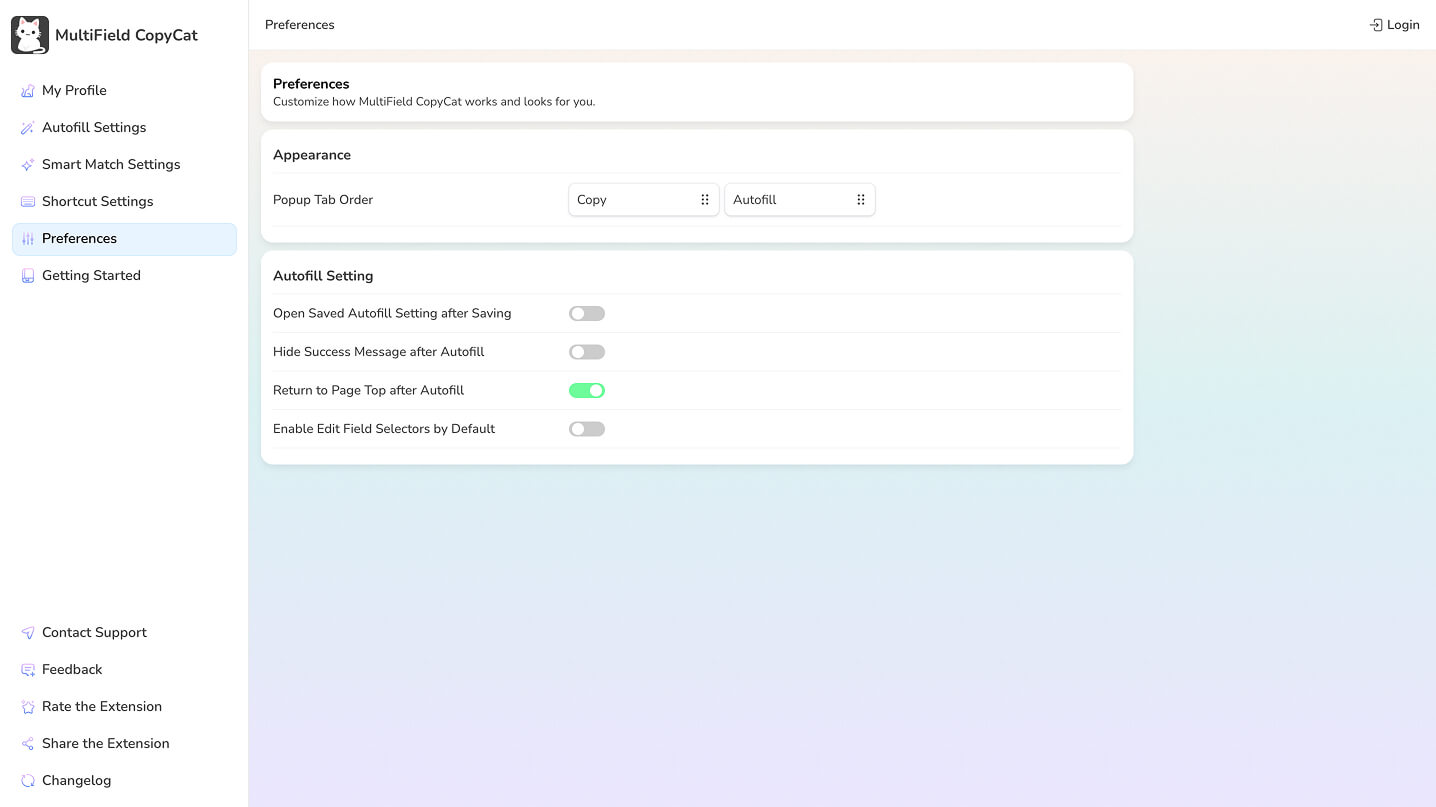
Popup tab order
Choose whether Copy or Autofill appears first in the extension popup. By default, Copy tab appears before Autofill tab. Reorder them by dragging it to the front when Autofill is the part of the extension you use most often.
Autofill preferences
- Open Saved Autofill Setting after Saving — open the Autofill Setting after using Save Form for Autofill.
- Hide Success Message after Autofill — hide the confirmation message after Autofill succeeds.
- Return to Page Top after Autofill — return to the top of the page after Autofill finishes.
- Enable Edit Field Selectors by Default — show field selector editing by default when editing an Autofill Setting.