
How to Report Copyright Infringement on TikTok Faster with Autofill Form Extension
Published on April 5, 2026 - 4 min read
For all content creators, it's deeply frustrating to see your handcrafted content being reposted or used without permission and credit. Copyright infringement on TikTok has become increasingly common these days, taking action quickly is essential to protect your content (and your potential revenue). However, TikTok’s copyright reporting form can feel repetitive and time-consuming, especially if you need to submit multiple reports.
In this guide, we’ll show you how to report copyright infringement on TikTok faster with autofill form feature from MultiField CopyCat.
1. ✉️ Verify Email on TikTok’s Copyright Report Form
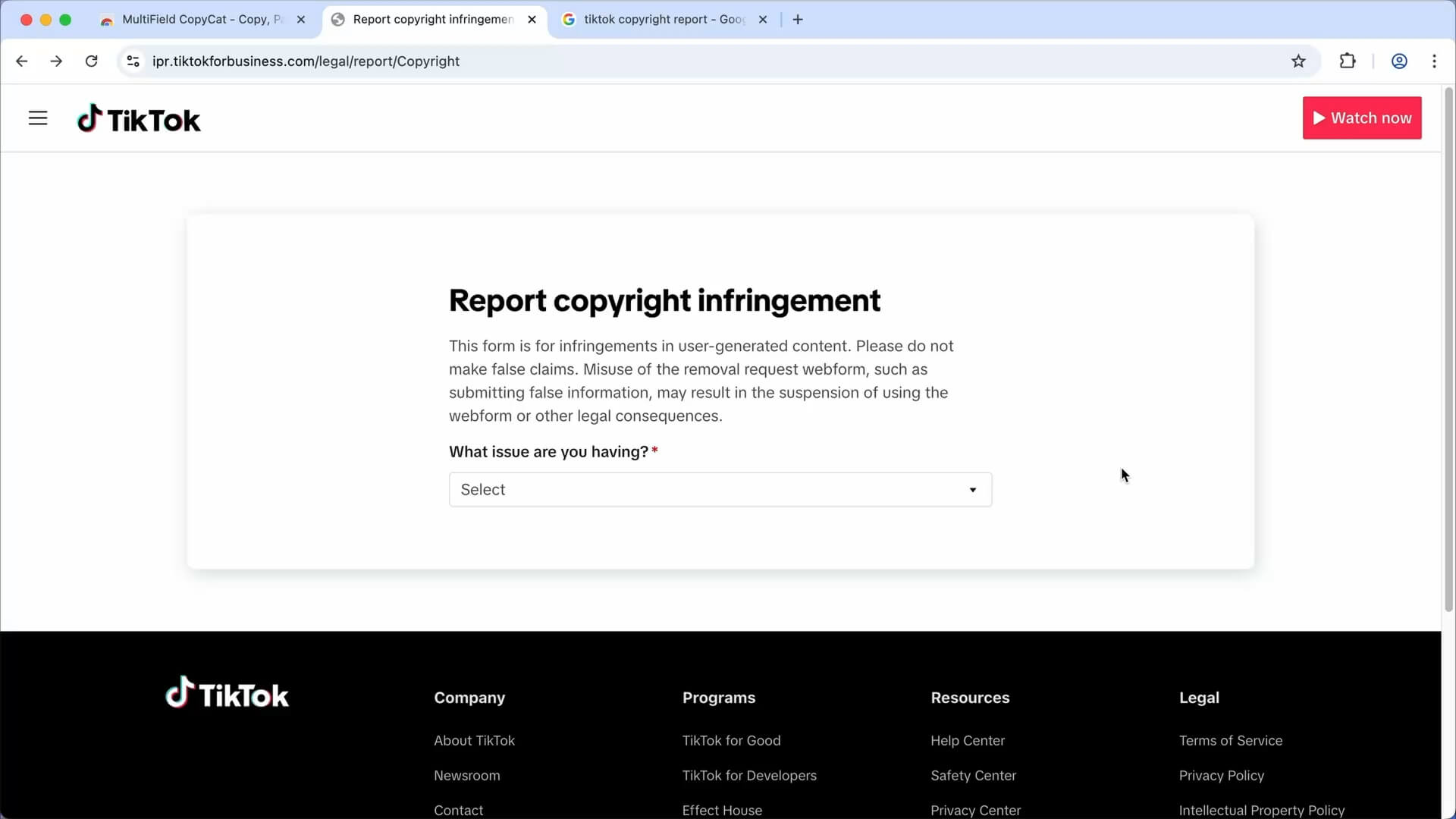
Go to the TikTok Copyright Infringement Report page
-
Select 'I’d like to report a possible copyright infringement in user-generated content'
-
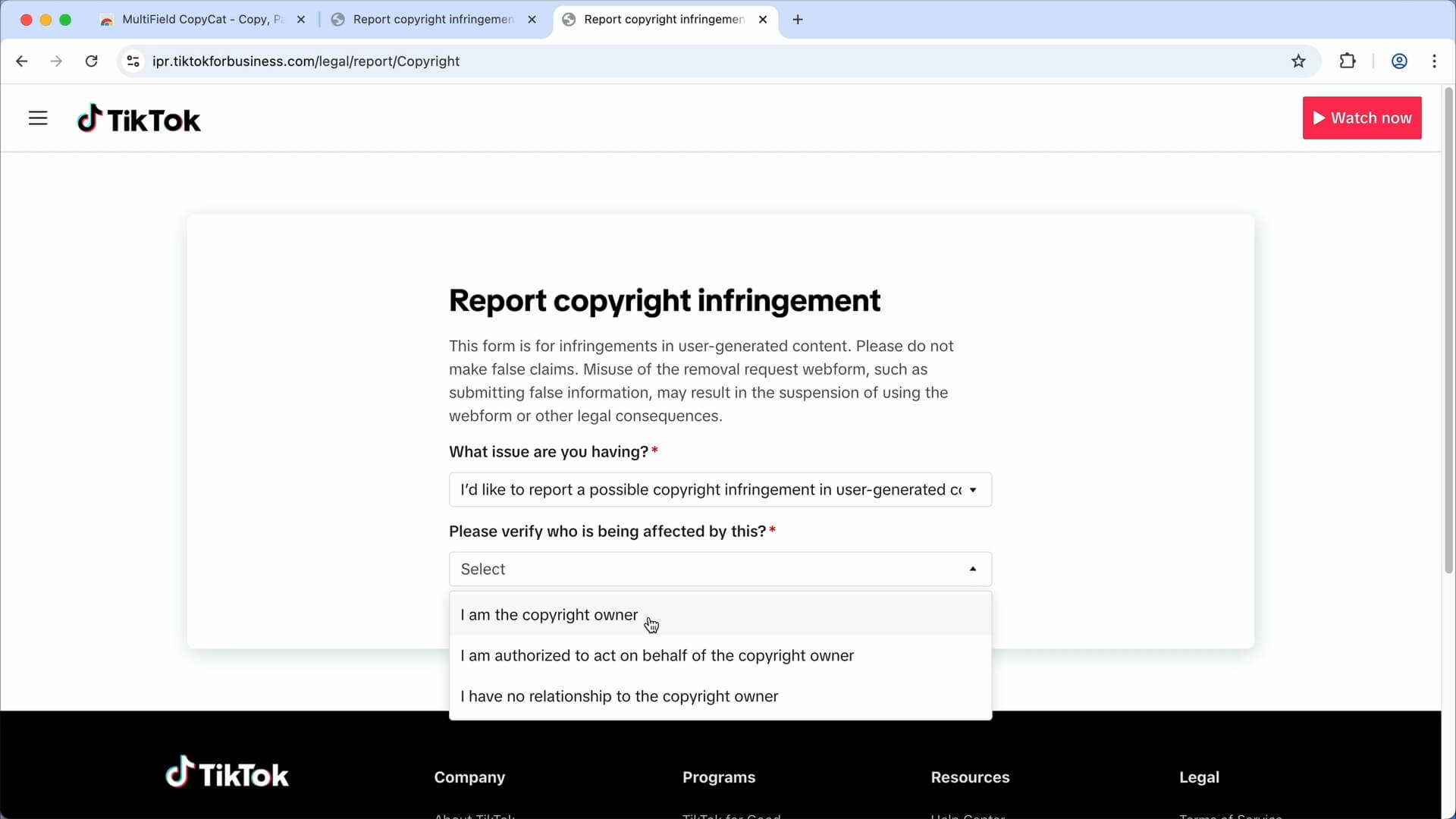
Select 'I am the copyright owner' if you reporting as a copyright owner
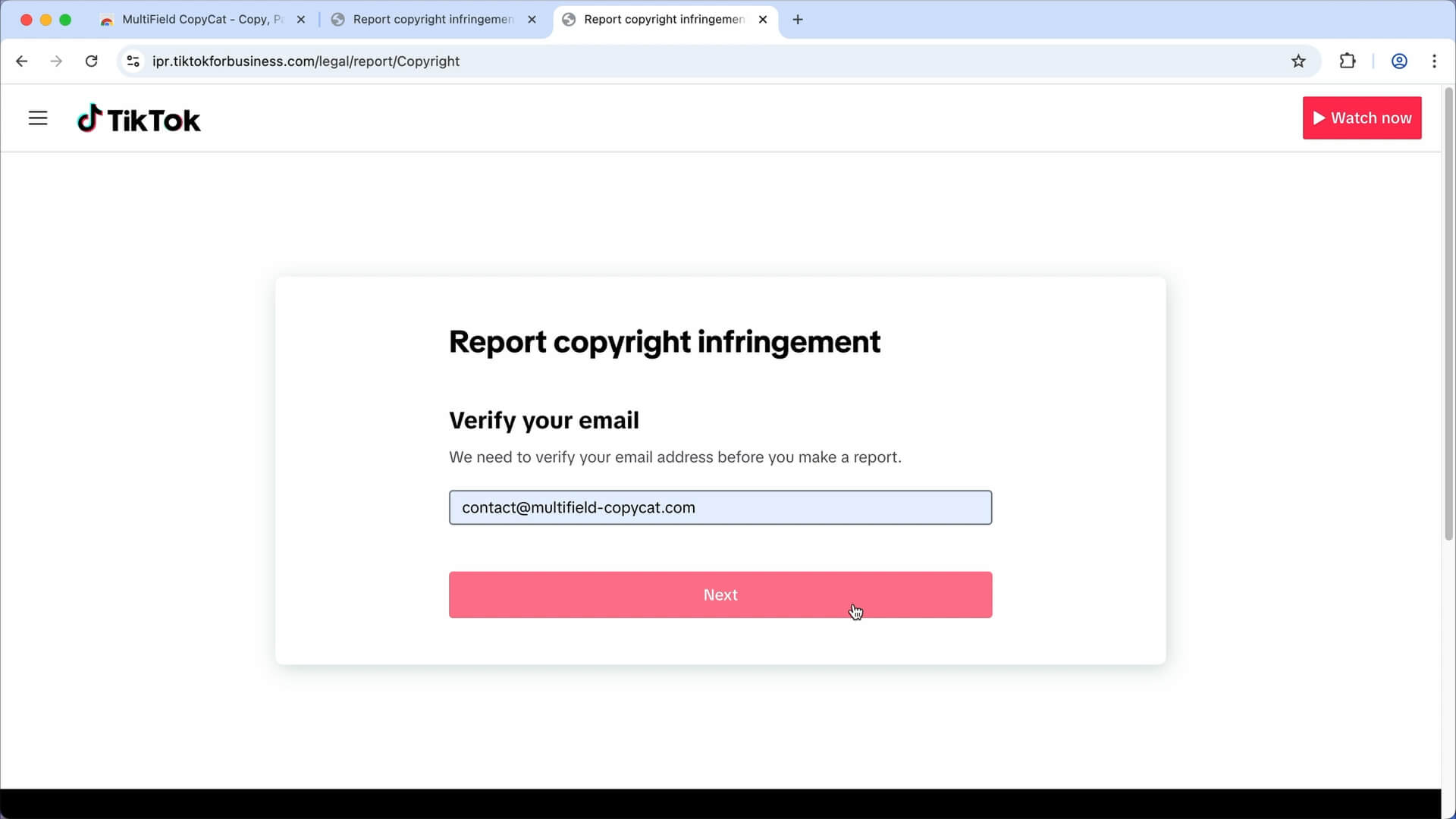
Enter your email to verify your email address
Click the verification link in the TikTok email
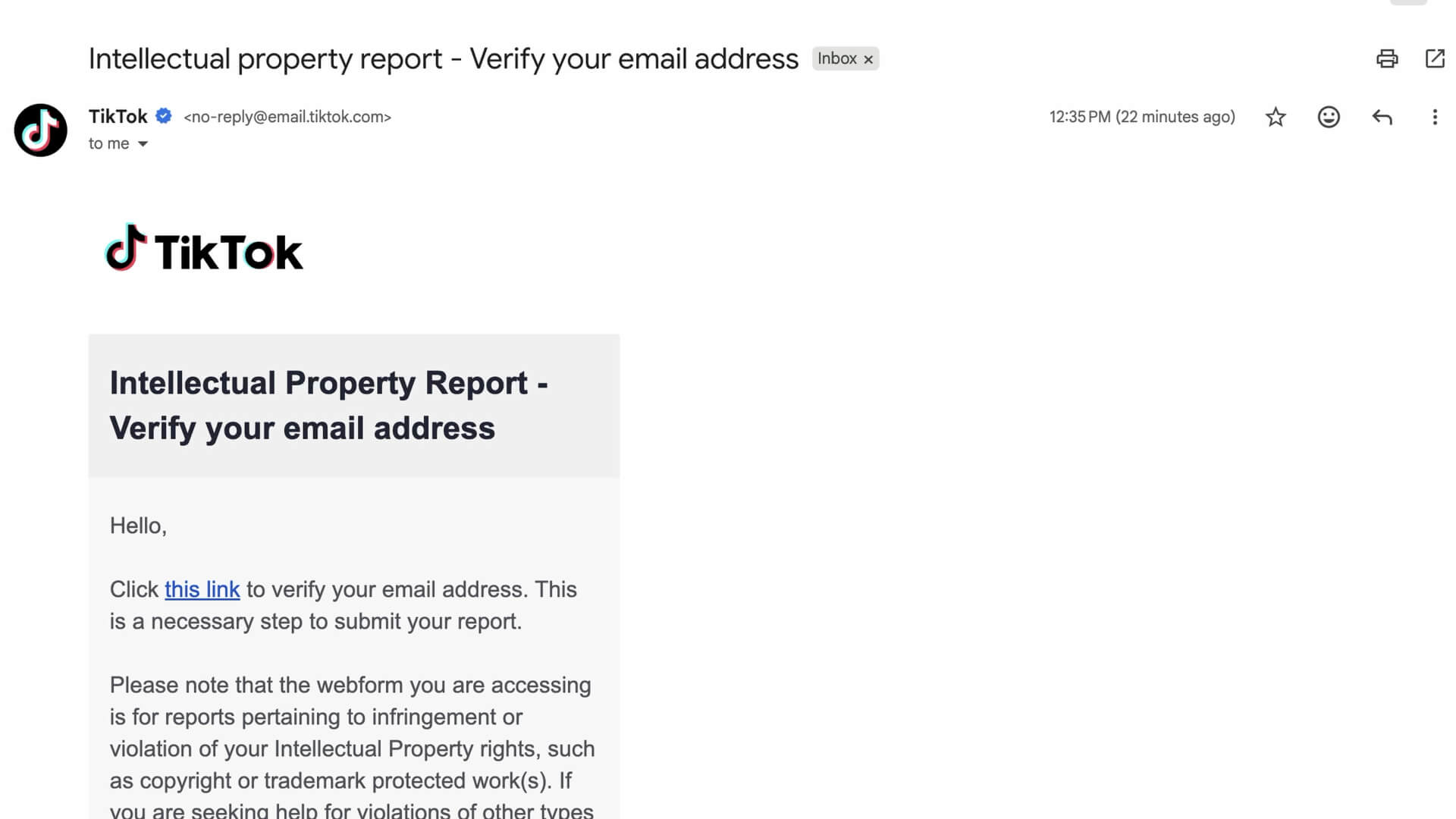
Email is now verified

2. 🖊️ Fill in the Report Form
Go back to the web form
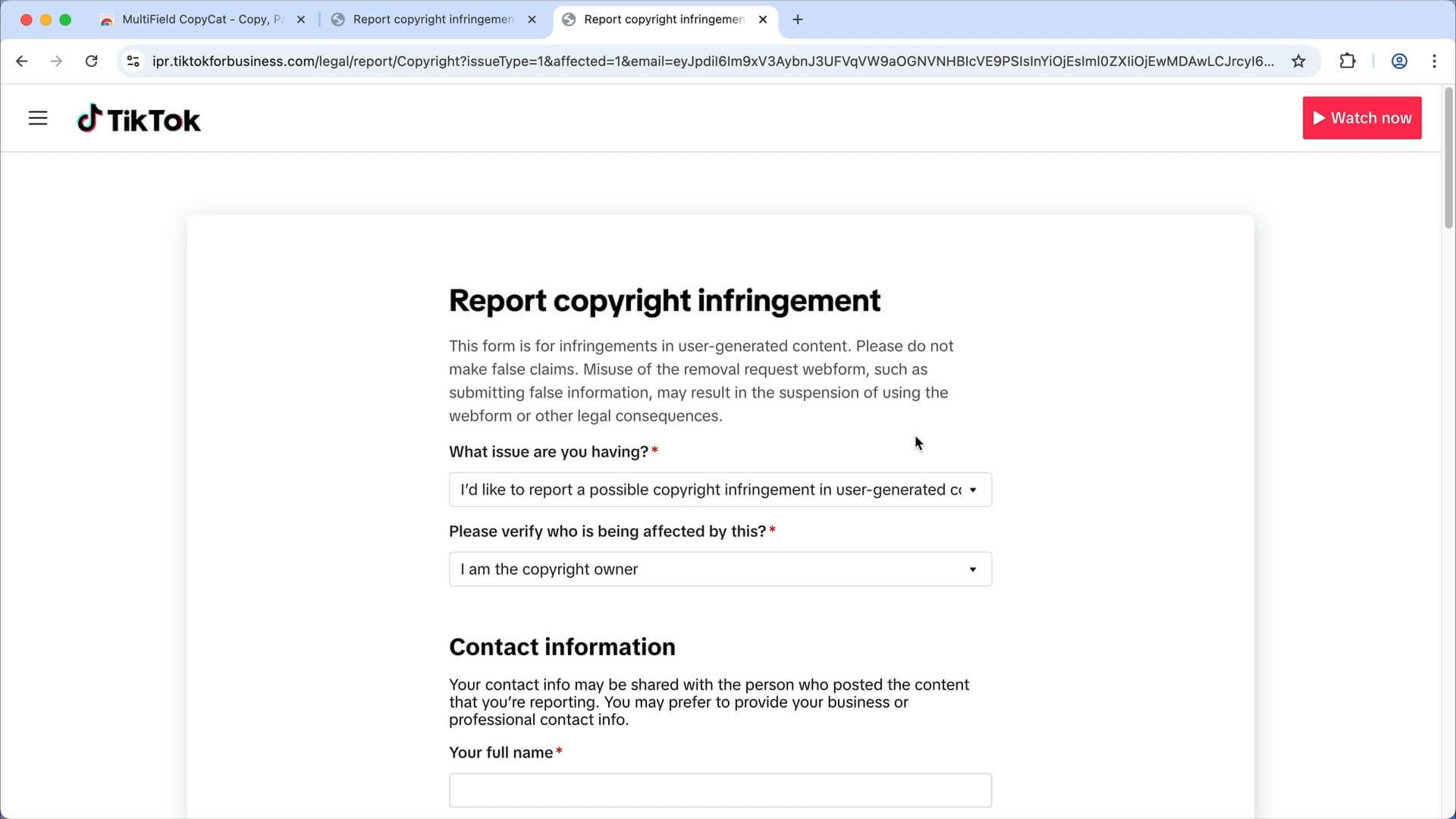
Fill in the form following the instruction
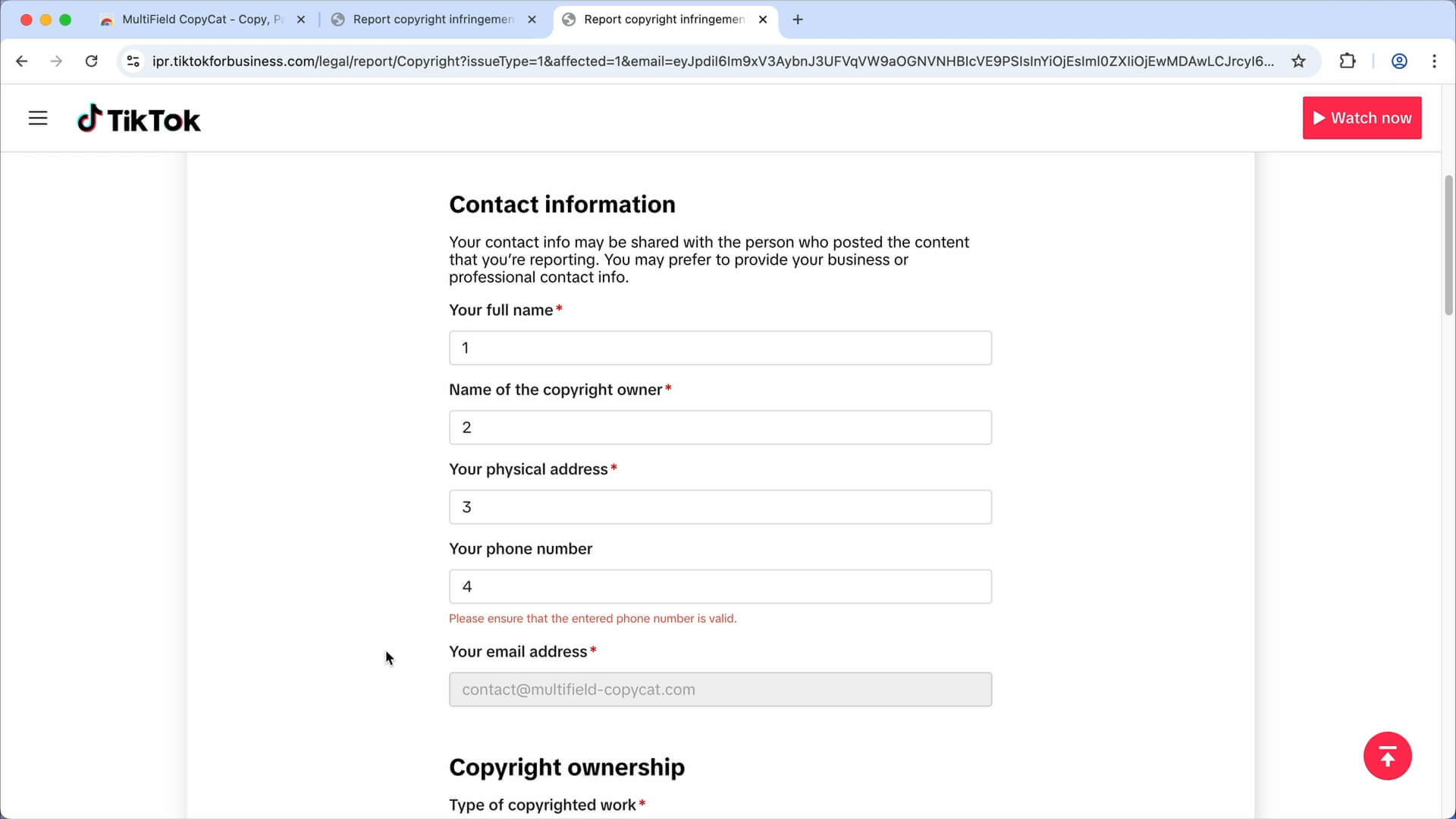
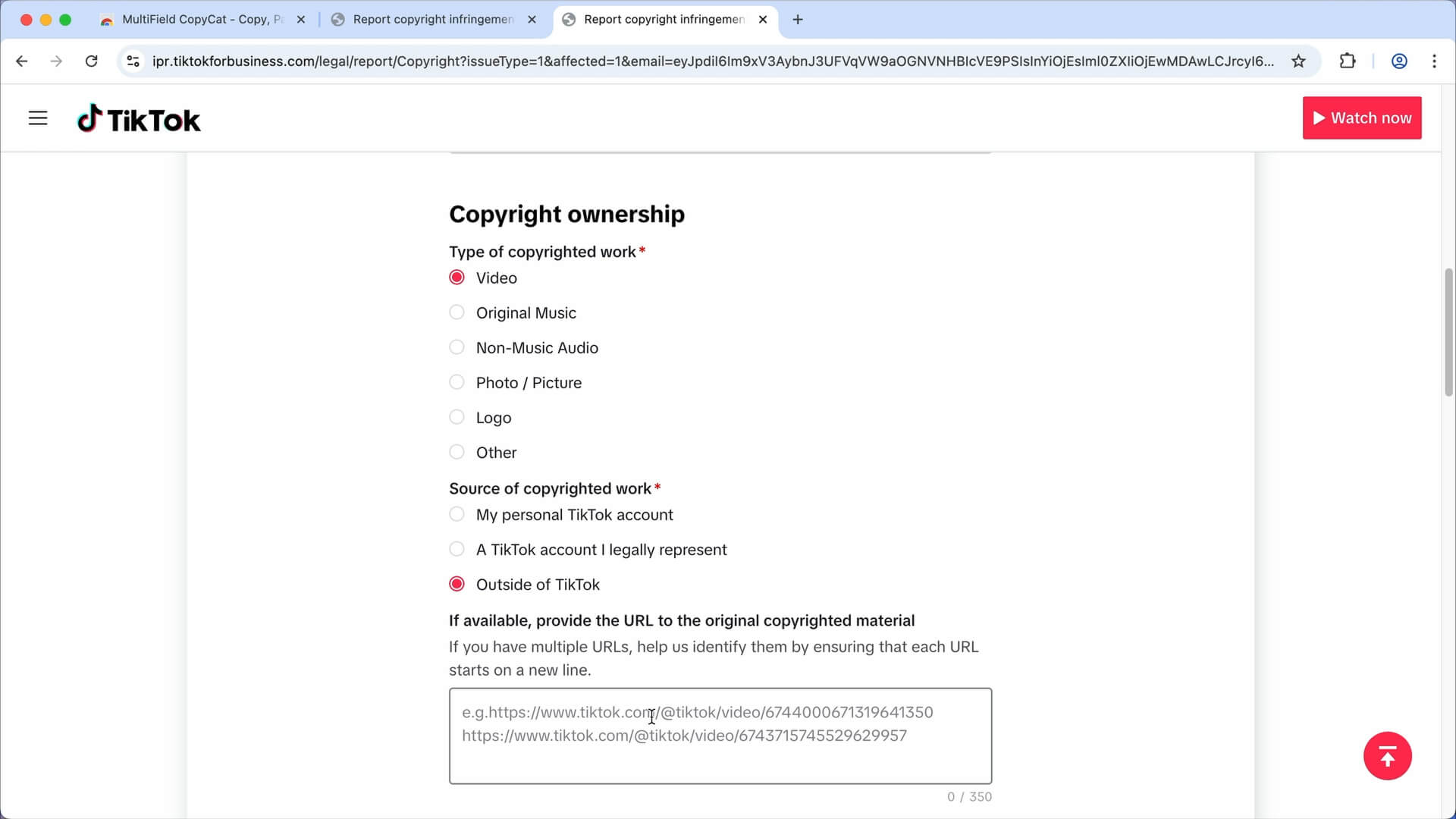
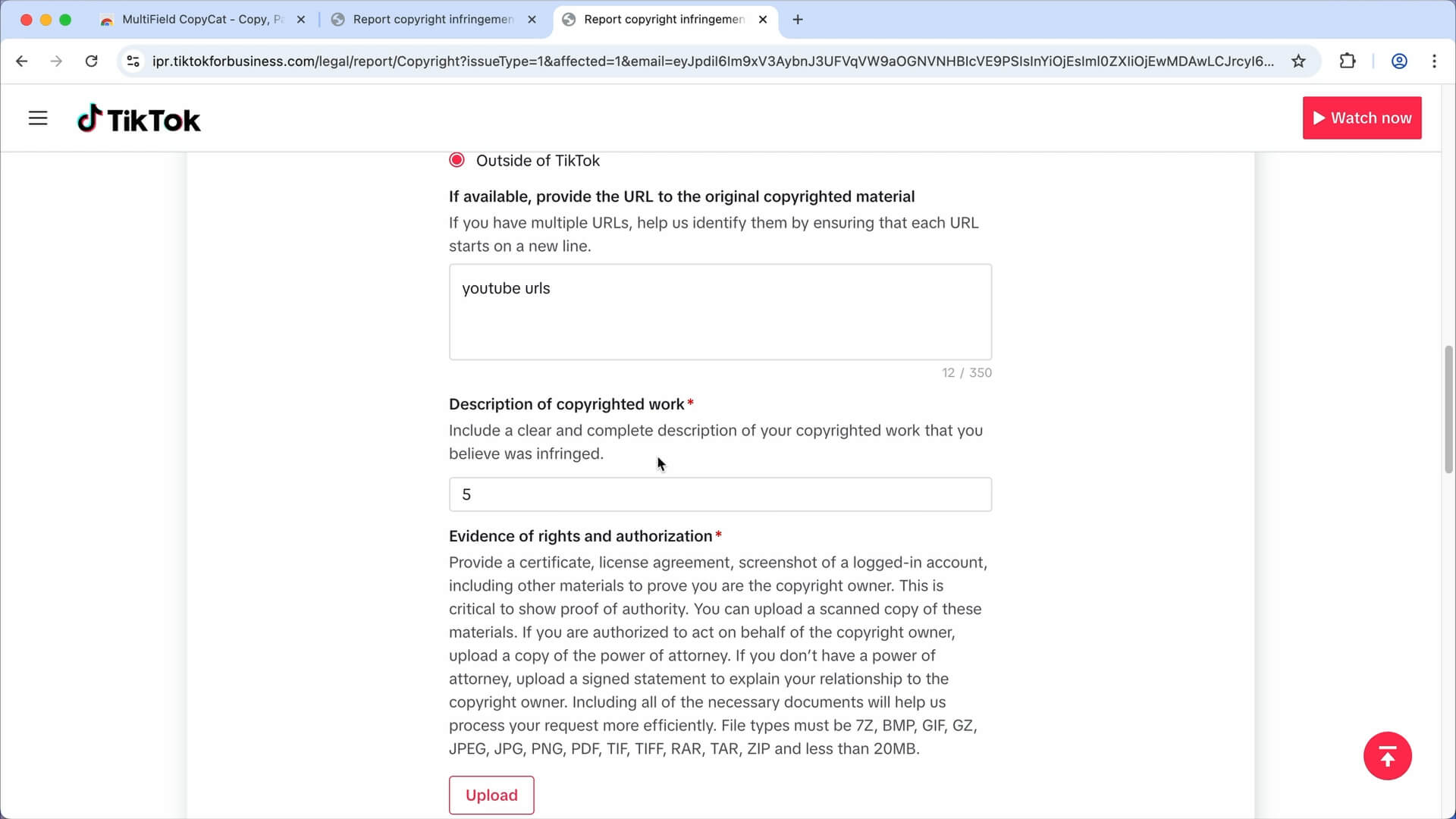
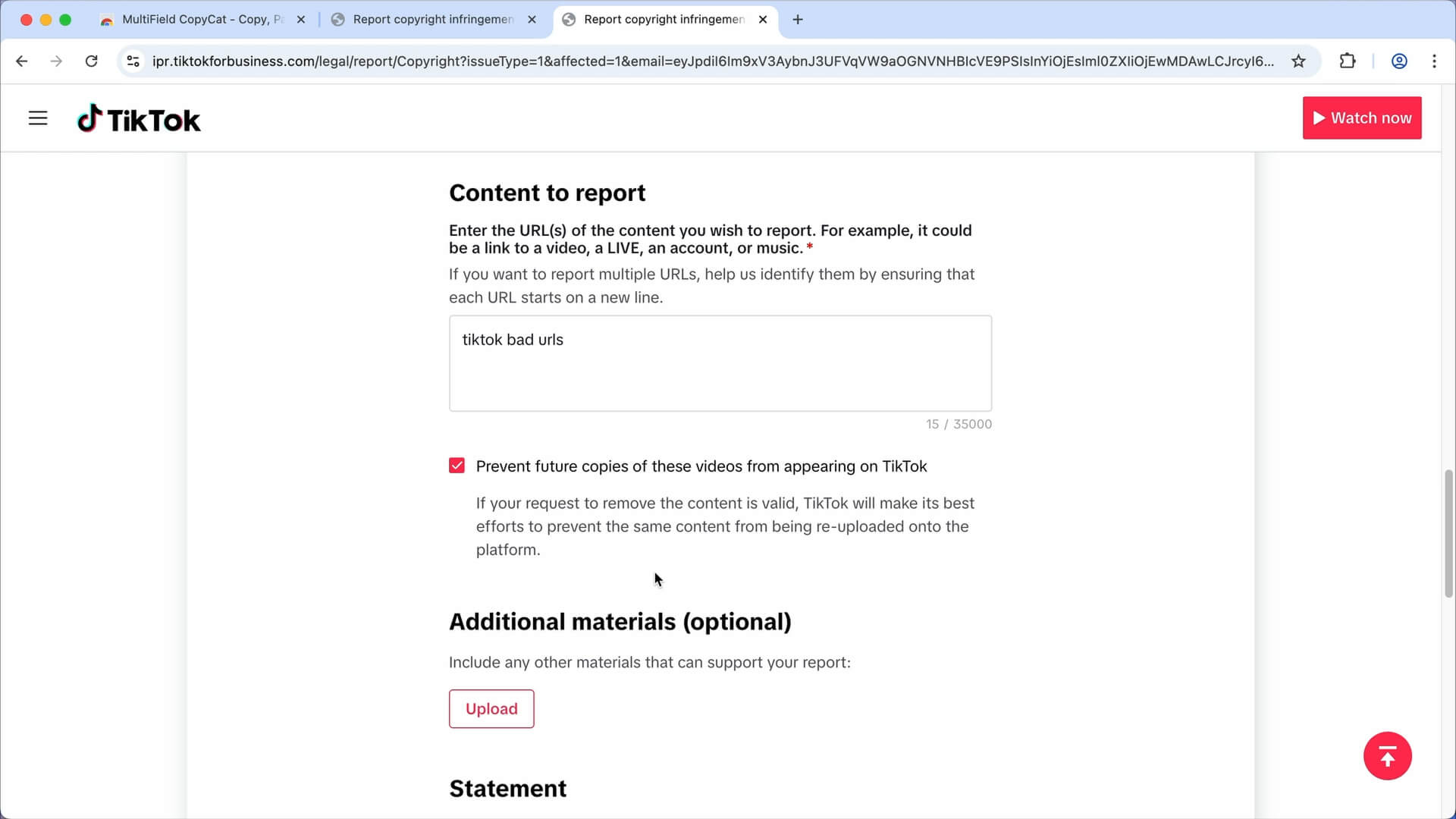
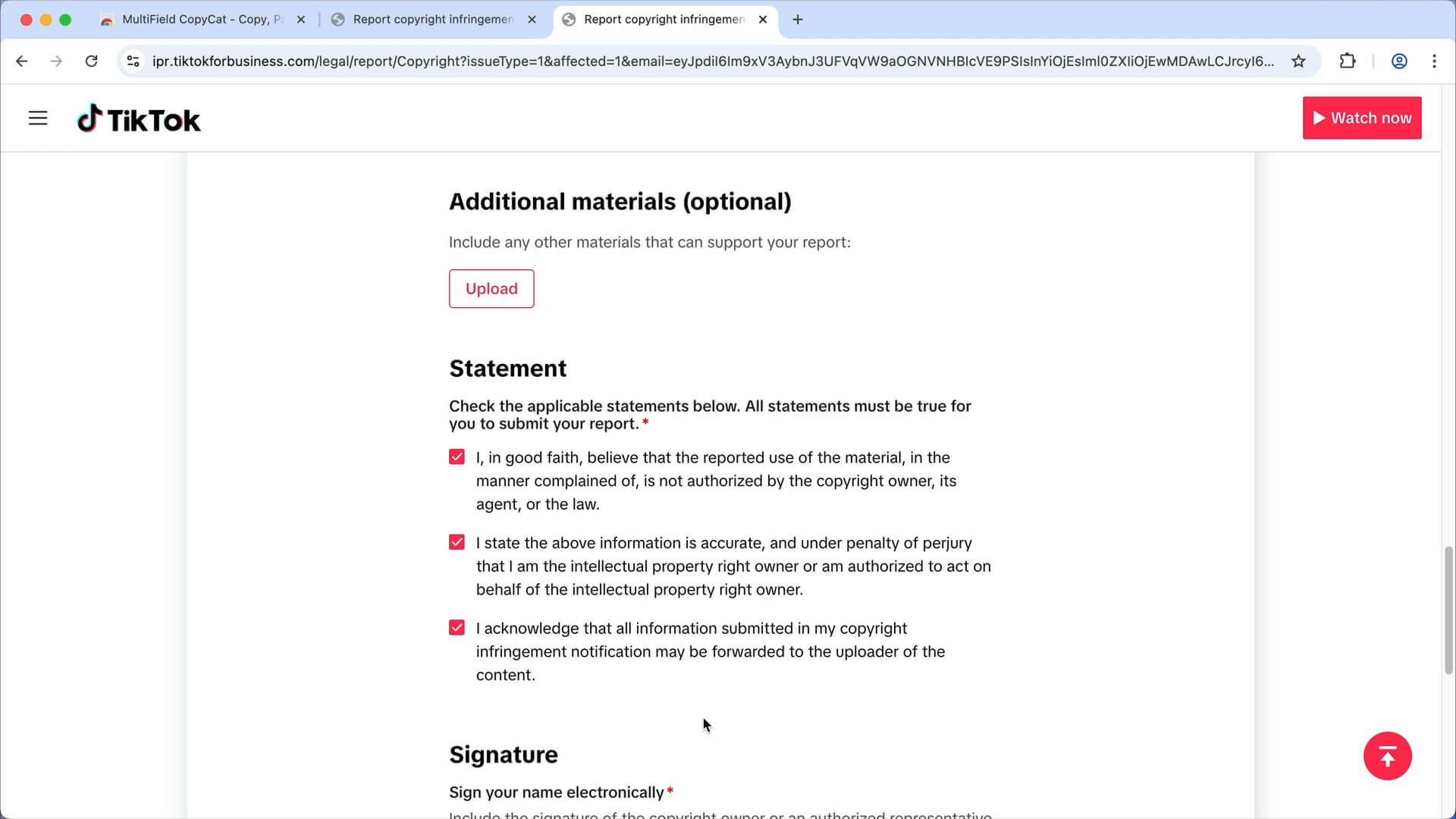
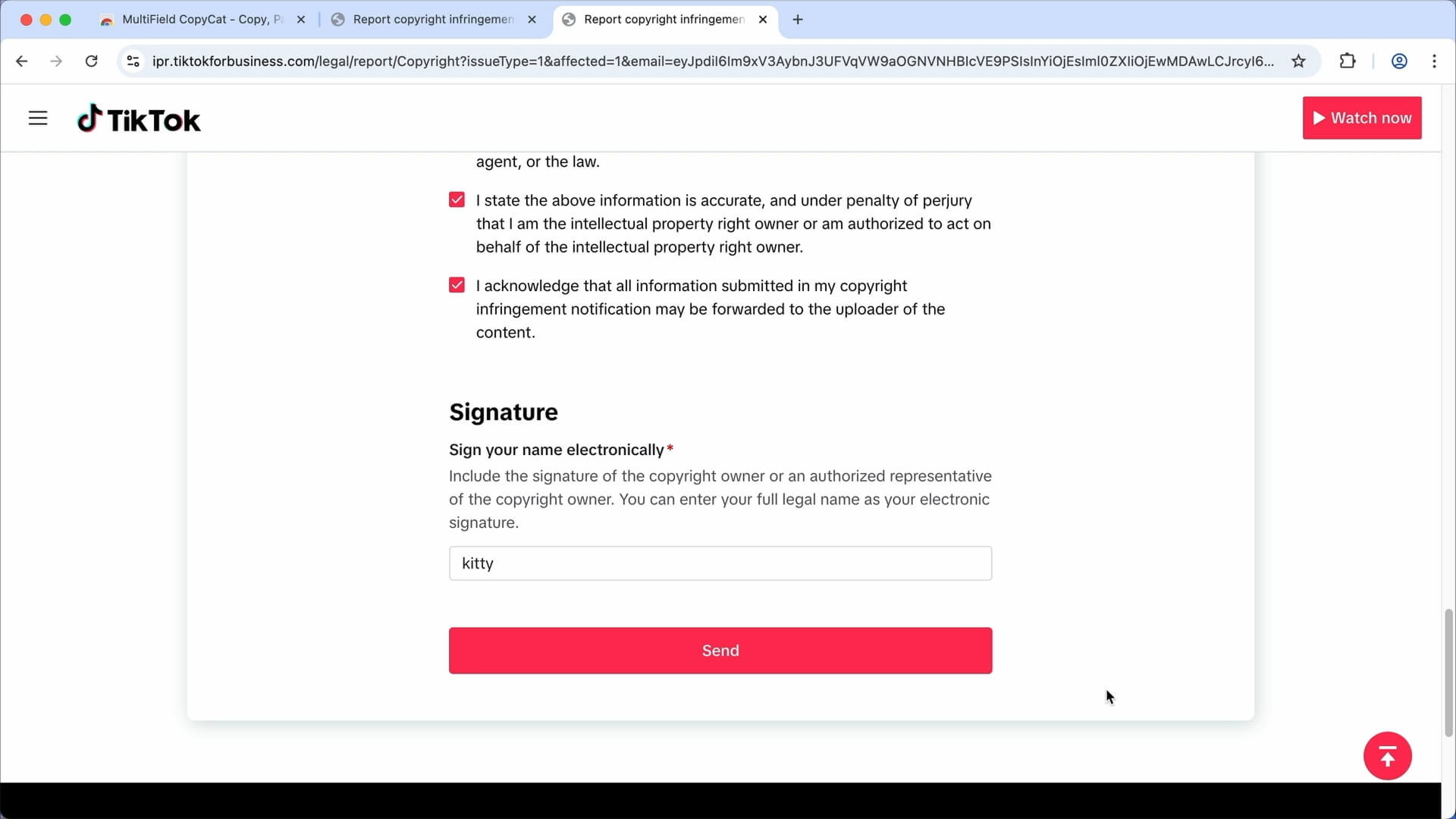
You can then submit the Form.
But if you're planning to submit multiple copyright infringement form to TitTok, you may want to save the reusable form data and have it autofills the form when you visit the site, so you can report them faster.
That's where the MultiField CopyCat chrome extension comes in handy.
3. Install & Pin the Extension (Optional)
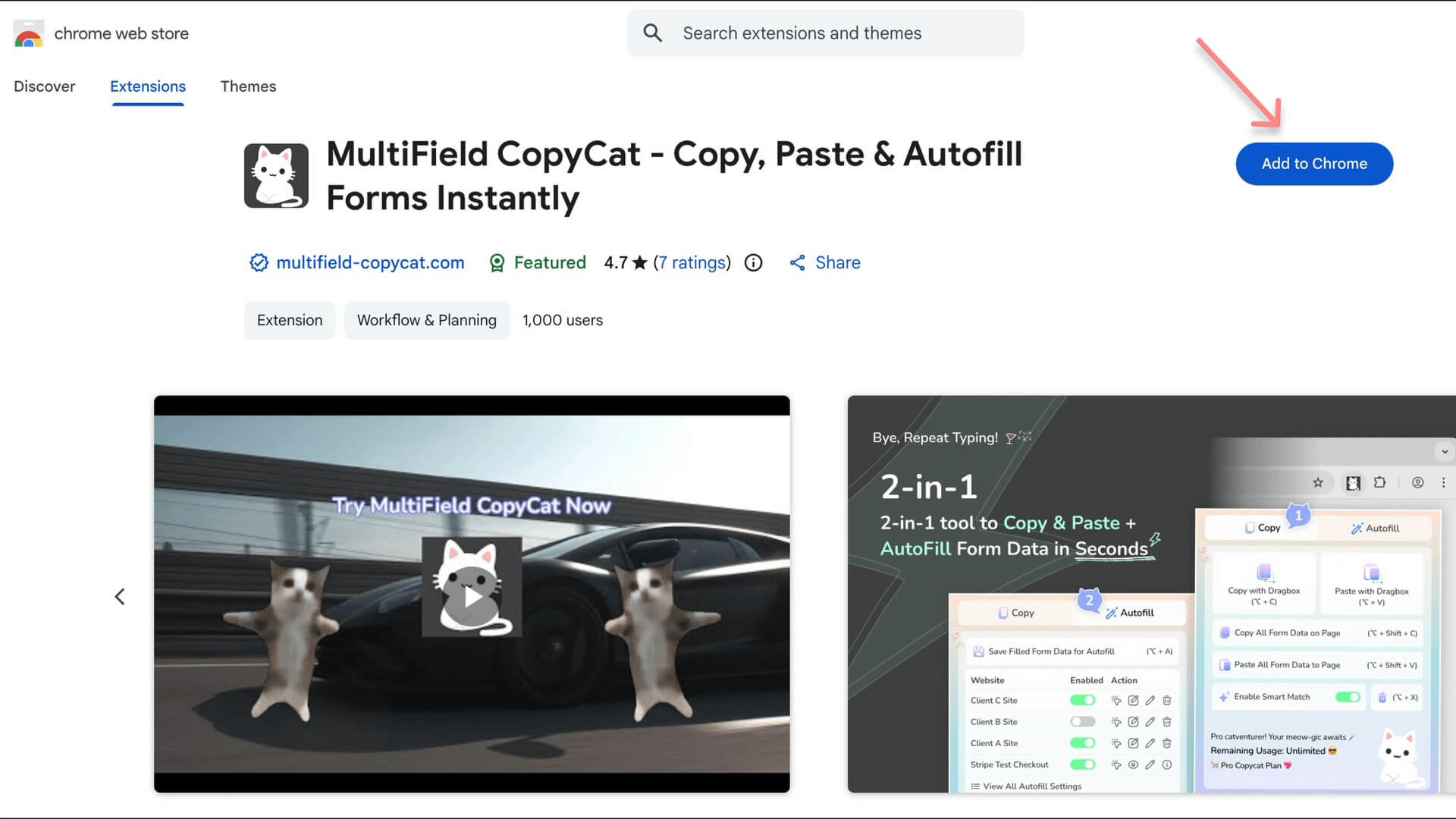
- Click this MultiField CopyCat Chrome Web Store link to install the extension
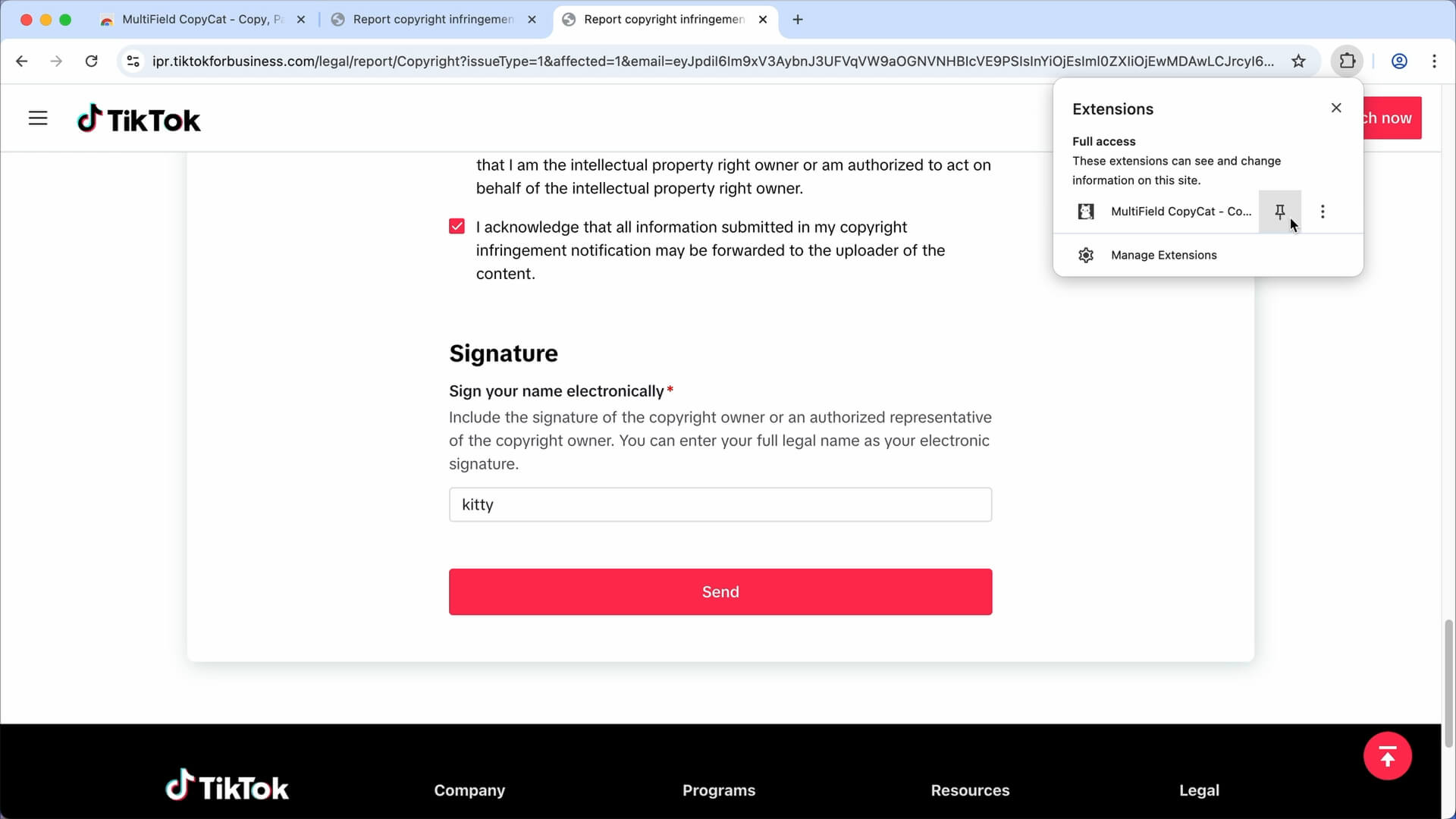
- Pin it to your browser toolbar for easier access
4. 💾 Save Reusable Form Data (Optional)
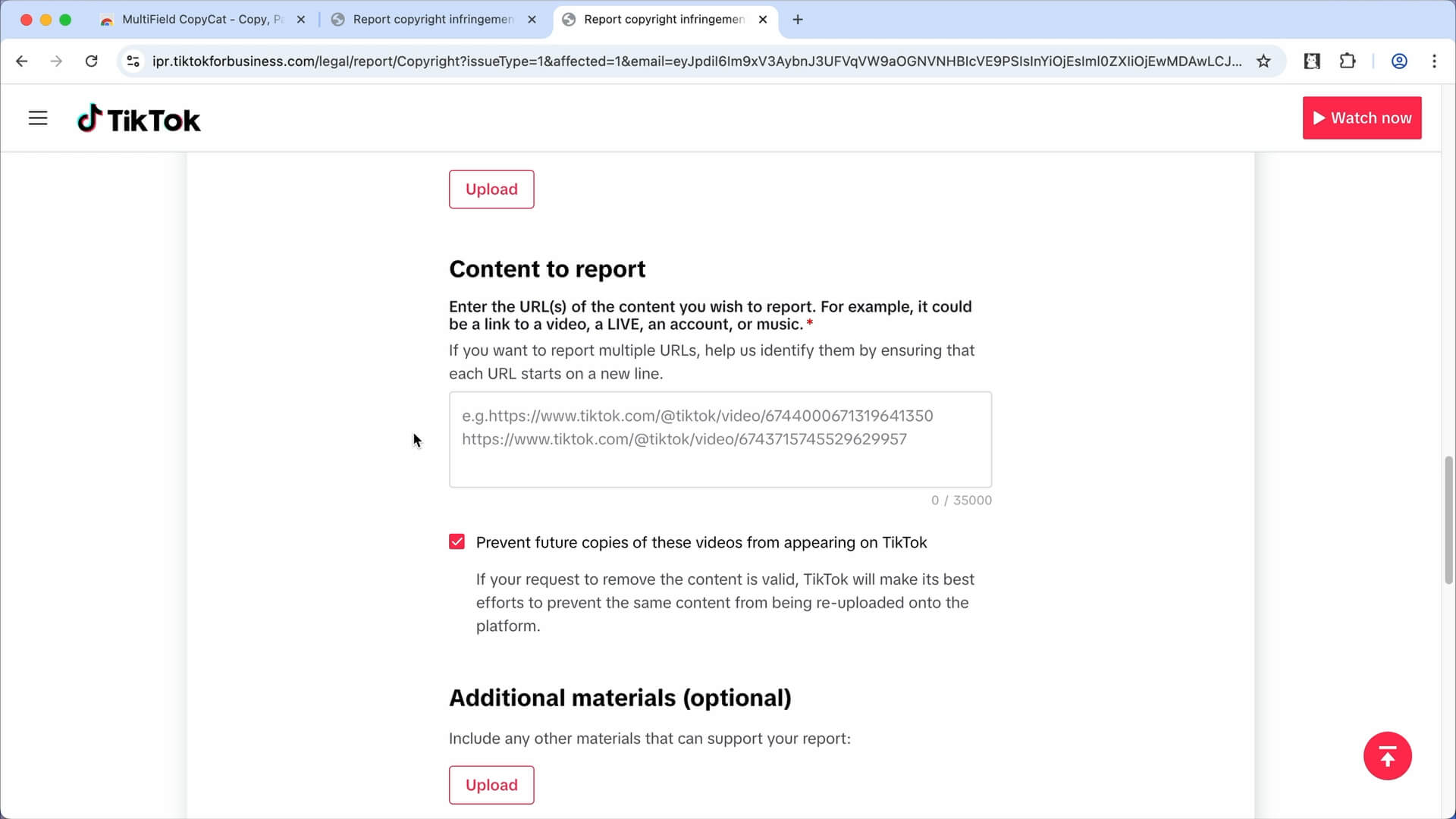
Review the form again and keep the reusable form data on page only.
Clear the field that needs to be entered manually, likely the field for the links of the content you wish to report.
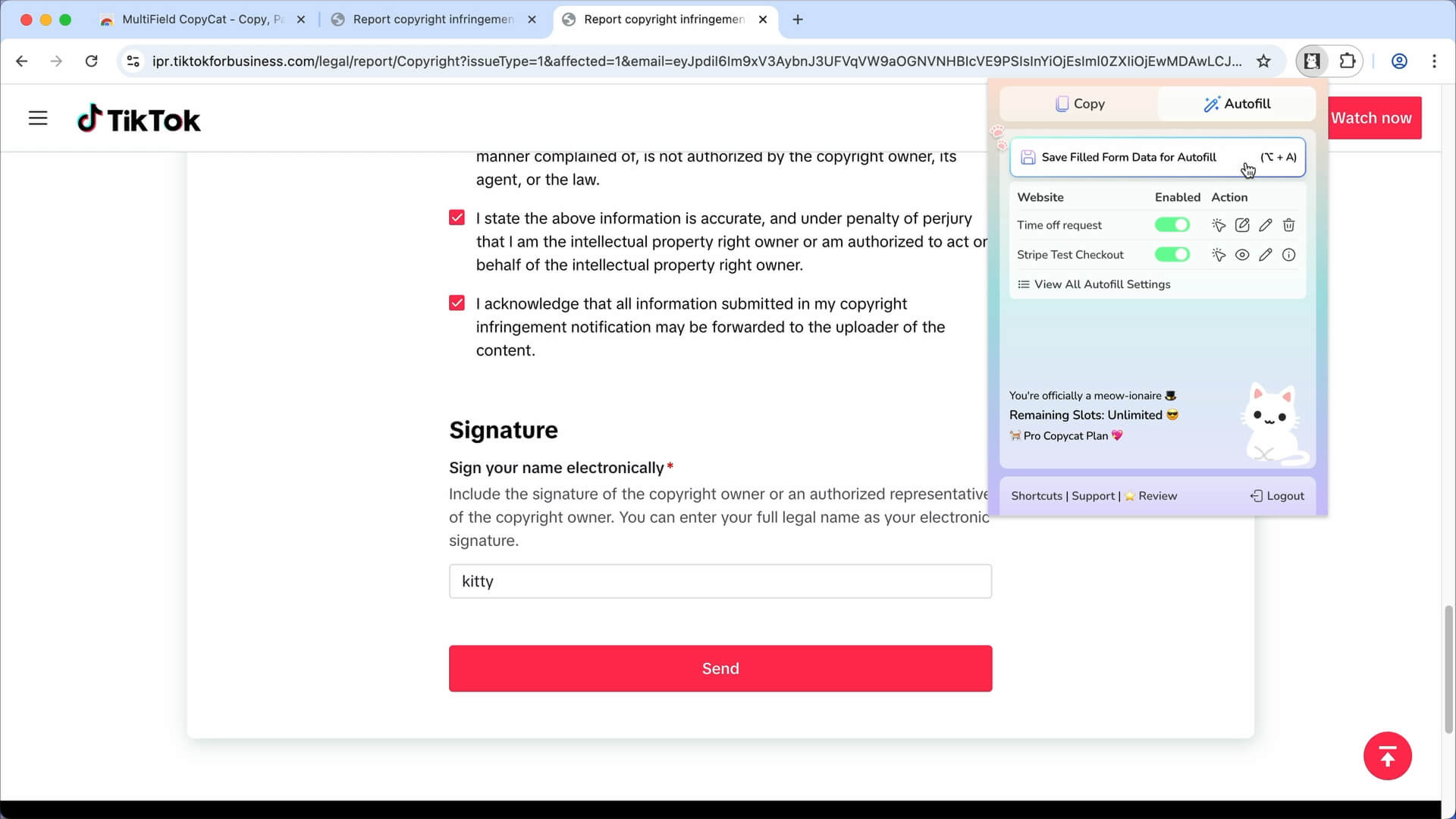
Click the extension icon to open the extension popup
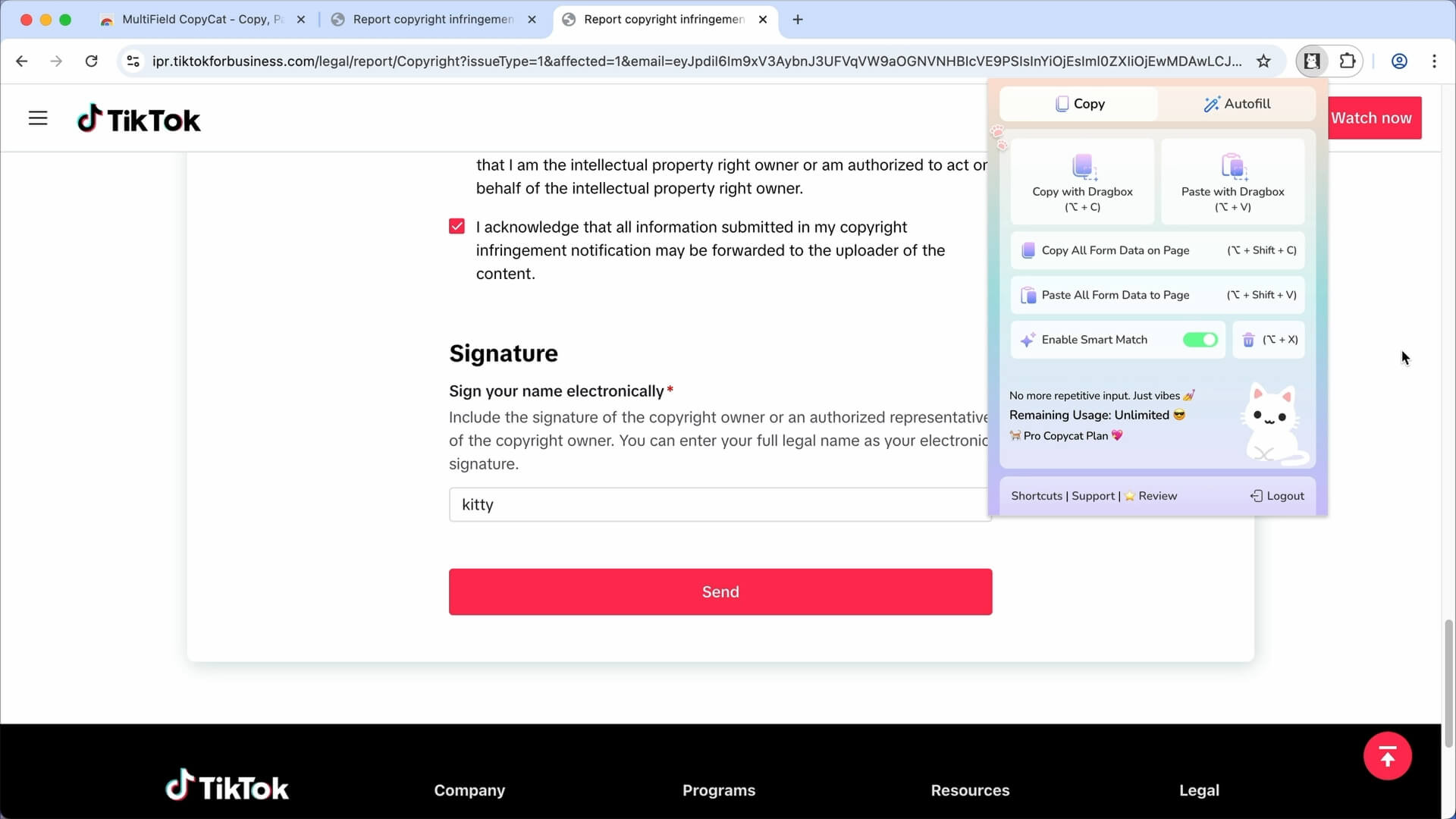
Switch to 'Autofill' tab. Click the 'Save Filled Form Data for Autofill' button
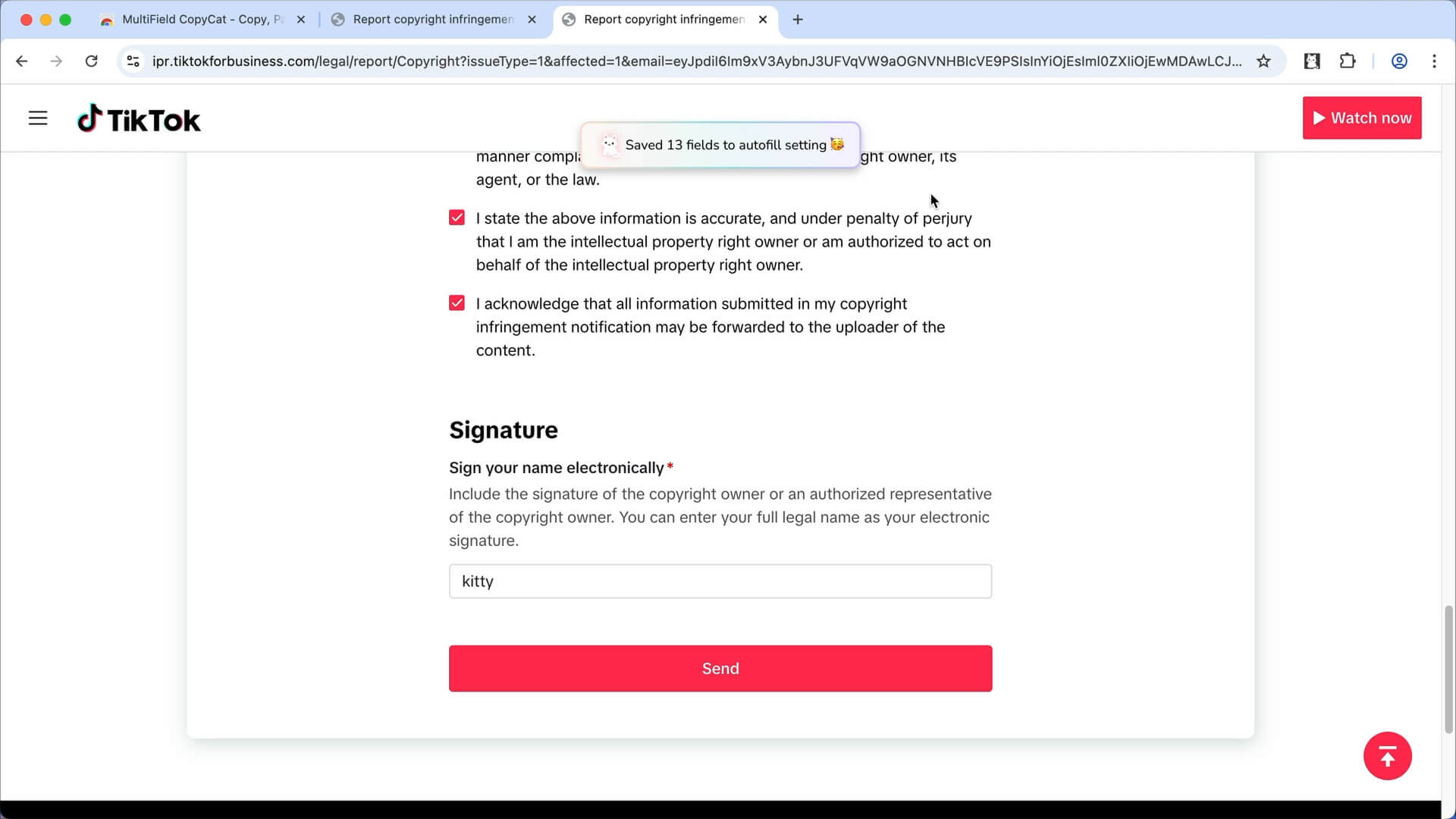
Autofill form data is now saved successfully
5. 🪄 Autofill Future Report Forms on Page Load (Optional)
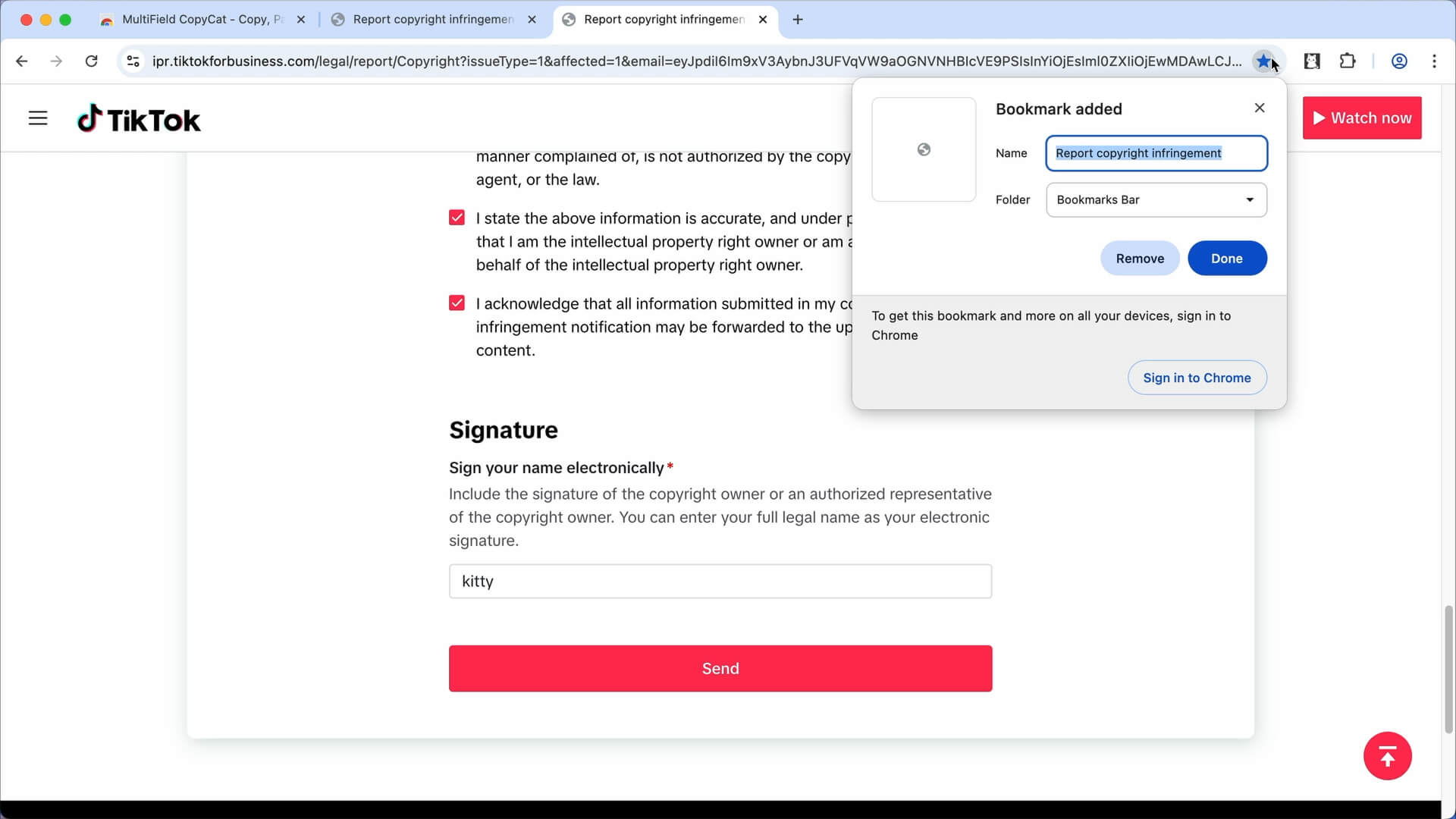
Bookmark the form link for faster access, and revisit the page again
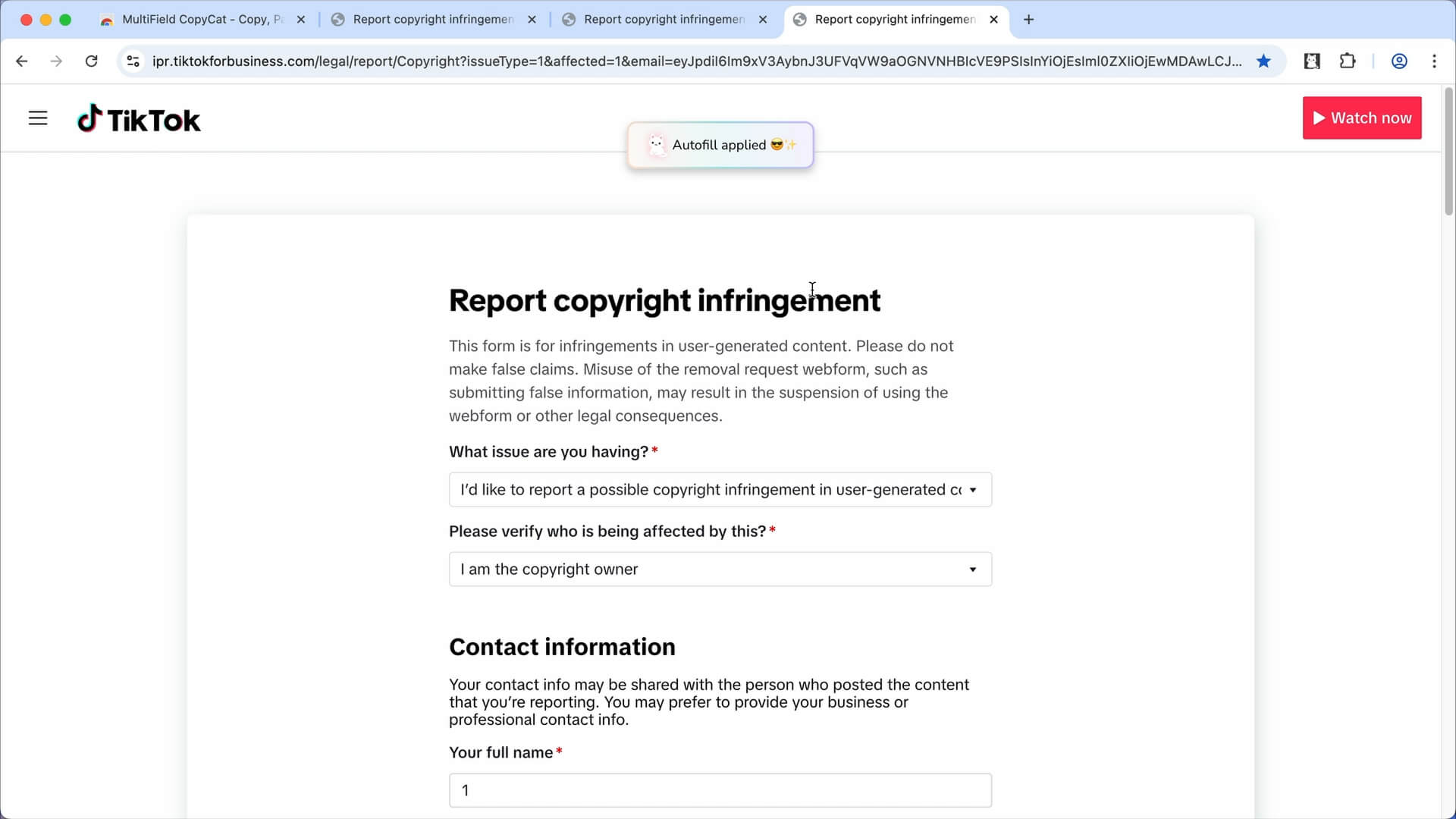
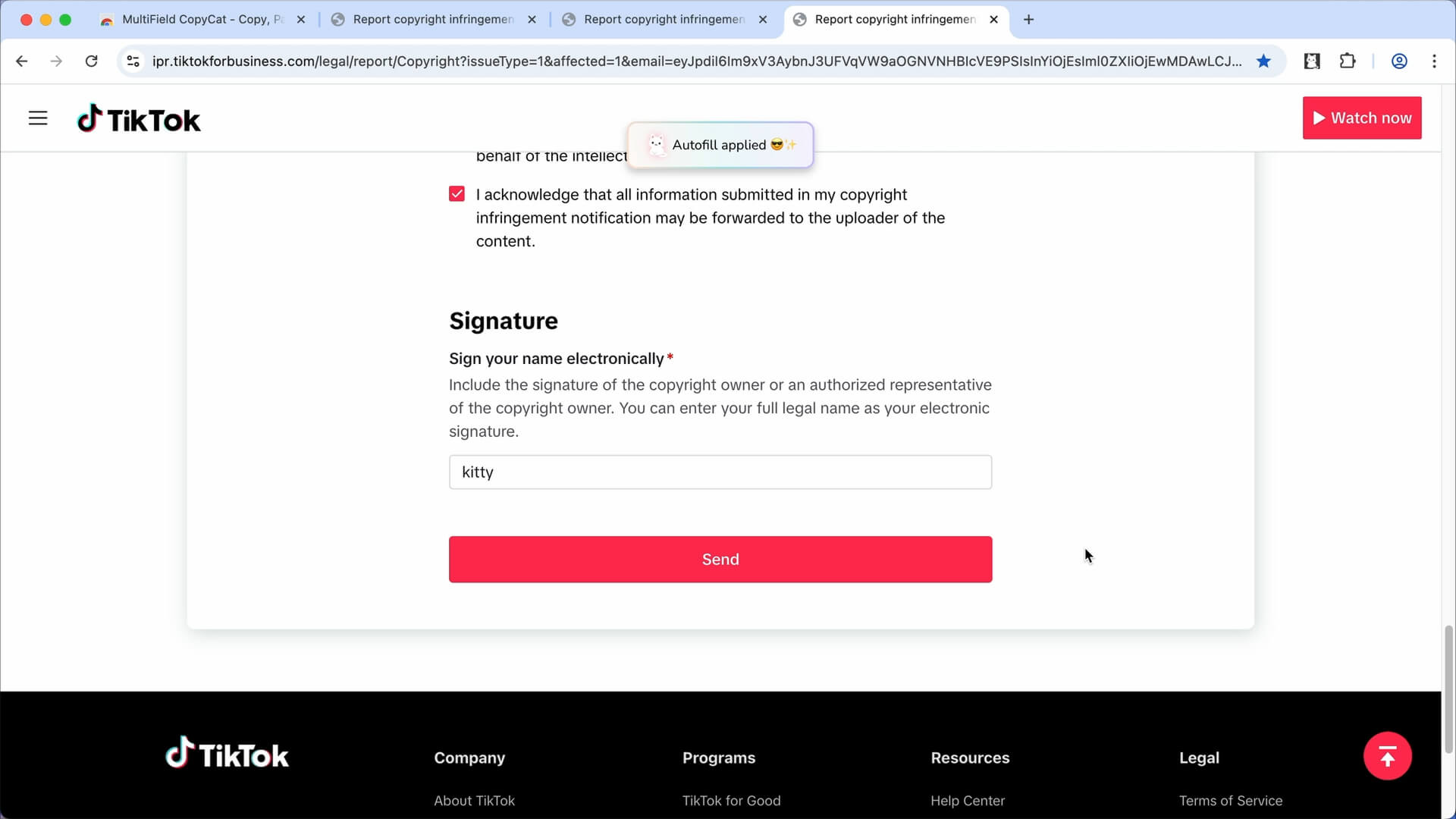
Now the TikTok form is autofilled instantly on page load 🥳
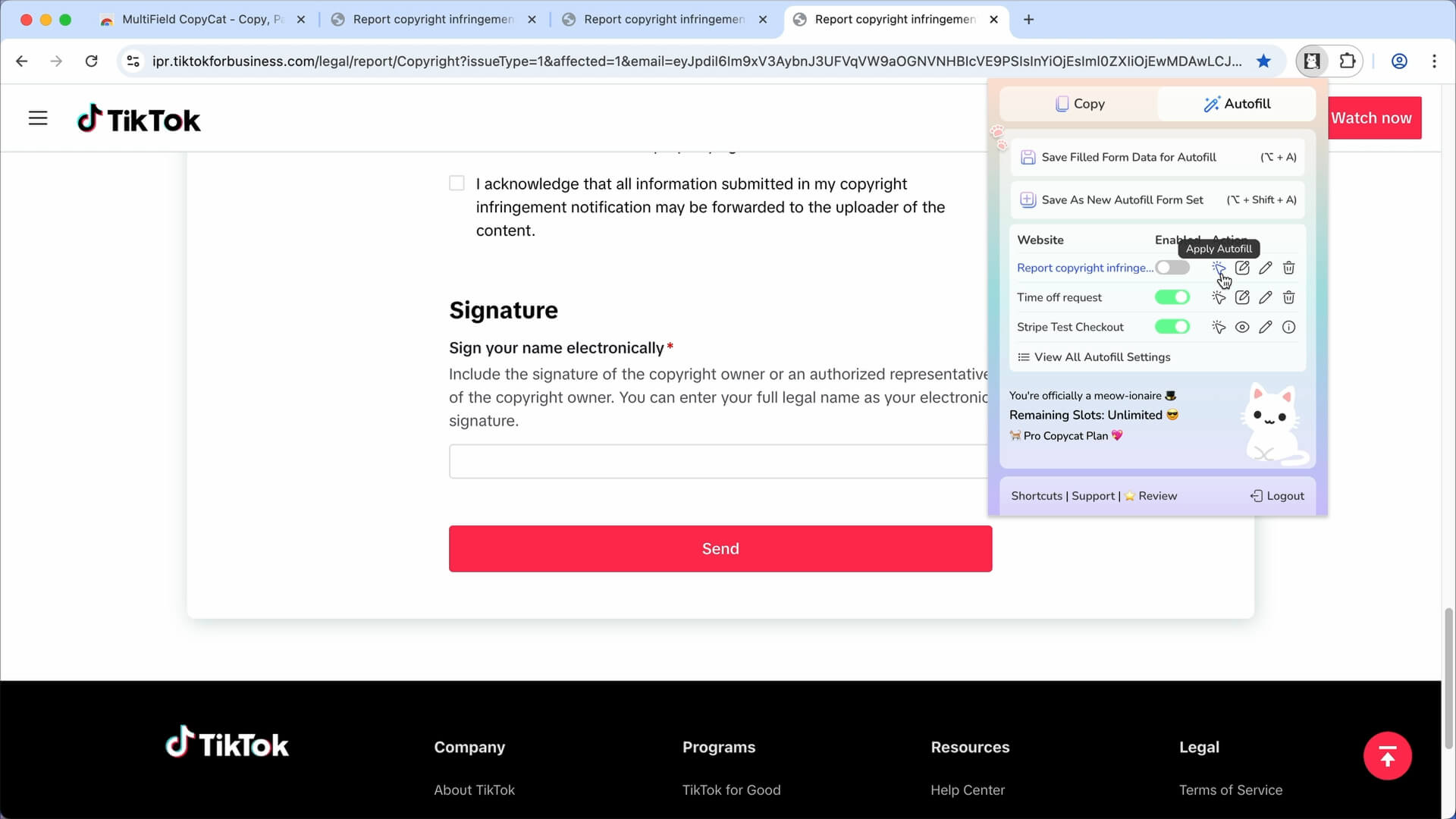
You can also toggle on/off on autofill on page load, update/delete saved form values, or trigger autofill manually as needed
📷 Youtube Video Guide
Check out this youtube video and see how MultiField CopyCat autofills copyright infringement form on TikTok:
(Report Copyright Infringement on TikTok Faster)
Install MultiField CopyCat and try it for free (Free version has unlimited autofill with 3 autofill slots available):
👉🏻 Install MultiField CopyCat Now
If you find this helpful, leaving a quick review would help us a lot!
Hope your copyright infringement issues get resolved soon!


