How to Reuse Form Data Across Different Websites Without Re-Typing
Published on February 5, 2026 - 4 min read
Tired of re-typing the same information on different websites? Learn how to reuse form data across sites and fill forms faster with fewer errors.
😩 The Problem: Re-Typing the Same Information Again and Again
If you work with web forms regularly, this situation probably feels familiar:
- You fill out a form on one website
- You move to another site with a similar form
- You re-type the same information — again
Name, email, company details, addresses, IDs, test data, internal records… None of this is new — yet you’re forced to re-enter it every time. This isn’t just annoying. It’s:
- slow
- error-prone
- mentally draining
And it adds up quickly.
❓ Why Reusing Form Data Is Harder Than It Should Be
At first glance, this sounds like something browsers should handle easily.
But in reality, reusing form data across different websites is difficult because:
- Each site uses different field names and layouts
- Input order often changes between forms
- Many forms use custom UI components
- Browser autofill focuses on personal data, not workflows
Even when two forms look similar, browsers often treat them as completely unrelated.
🤔 Common (But Inefficient) Workarounds
Most people fall back to one of these approaches:
- Keeping notes in a text file
- Copying and pasting field by field
- Using browser autofill and fixing mistakes manually
- Re-entering everything “just to be safe”
These methods technically work — but they don’t scale.
Once you’re dealing with:
- multiple websites
- repeated submissions
- frequent updates
Manual re-typing becomes a productivity and time killer.
⚡ A Better Workflow: Copy or Save Once, Reuse Everywhere
Instead of thinking in terms of individual fields, it helps to treat form data as a reusable set.
The idea is simple:
- Copy or Save data from one completed form
- Reuse that same data on another website
- Let matching happen automatically where possible
This approach:
- saves time
- reduces errors
- works even when forms aren’t identical
And it’s especially powerful for repetitive workflows.
🧩 How MultiField CopyCat Helps Reuse Form Data Across Sites
MultiField CopyCat is designed around this exact workflow.
Instead of relying on browser guessing, it lets you intentionally copy and reuse form data, even across different websites.
Here’s how it helps:
-
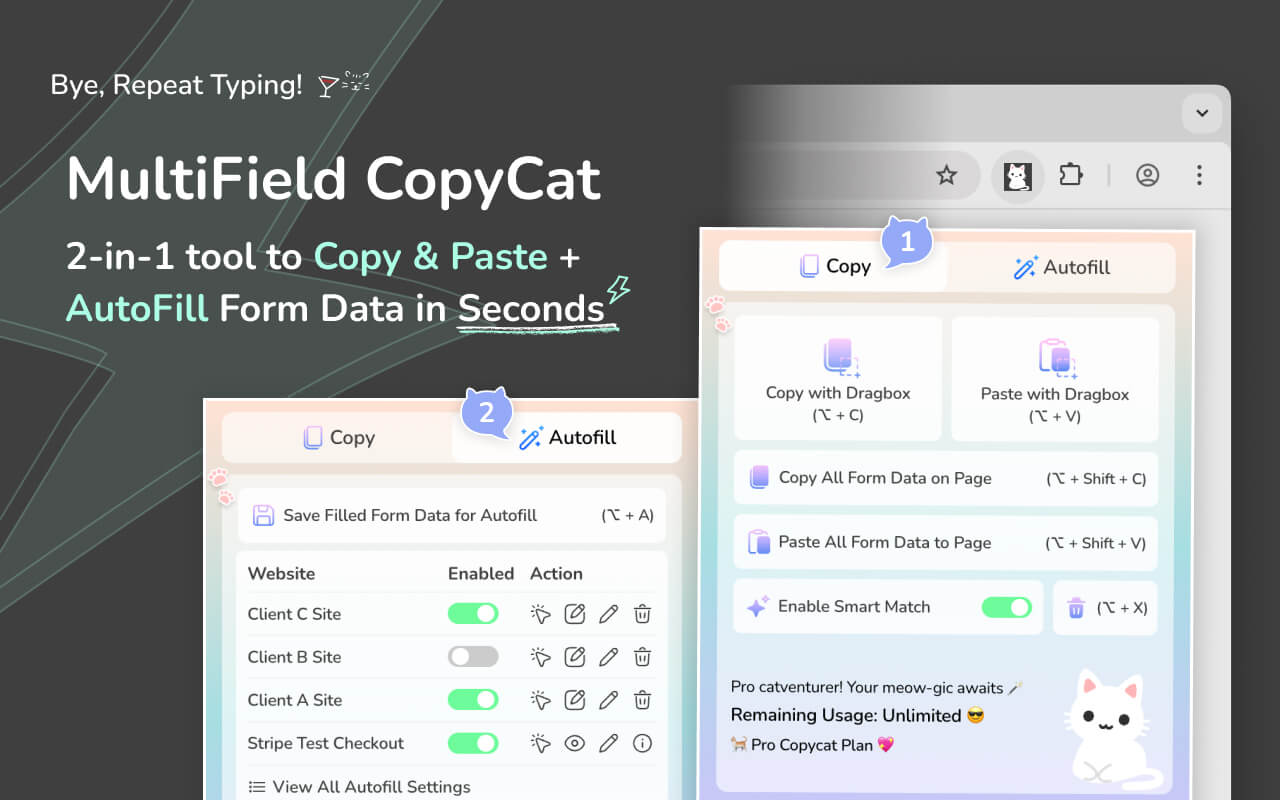
✅ Copy Multiple Fields at Once
- Drag to select multiple form fields and copy all values in one action.
-
✅ Paste Data Into Different Website Forms
- Paste copied data into forms on other sites — even if the field order is different.
-
✅ Smart Match for Different Layouts
- Smart Match helps align copied values with matching fields when forms don’t share the same structure.
-
✅ Works Across Pages & Sessions
-
Copy once, reuse later — no need to keep re-typing or switching tabs.
(Video: Copy Form Data Across Different Websites with Smart Match)
-
-
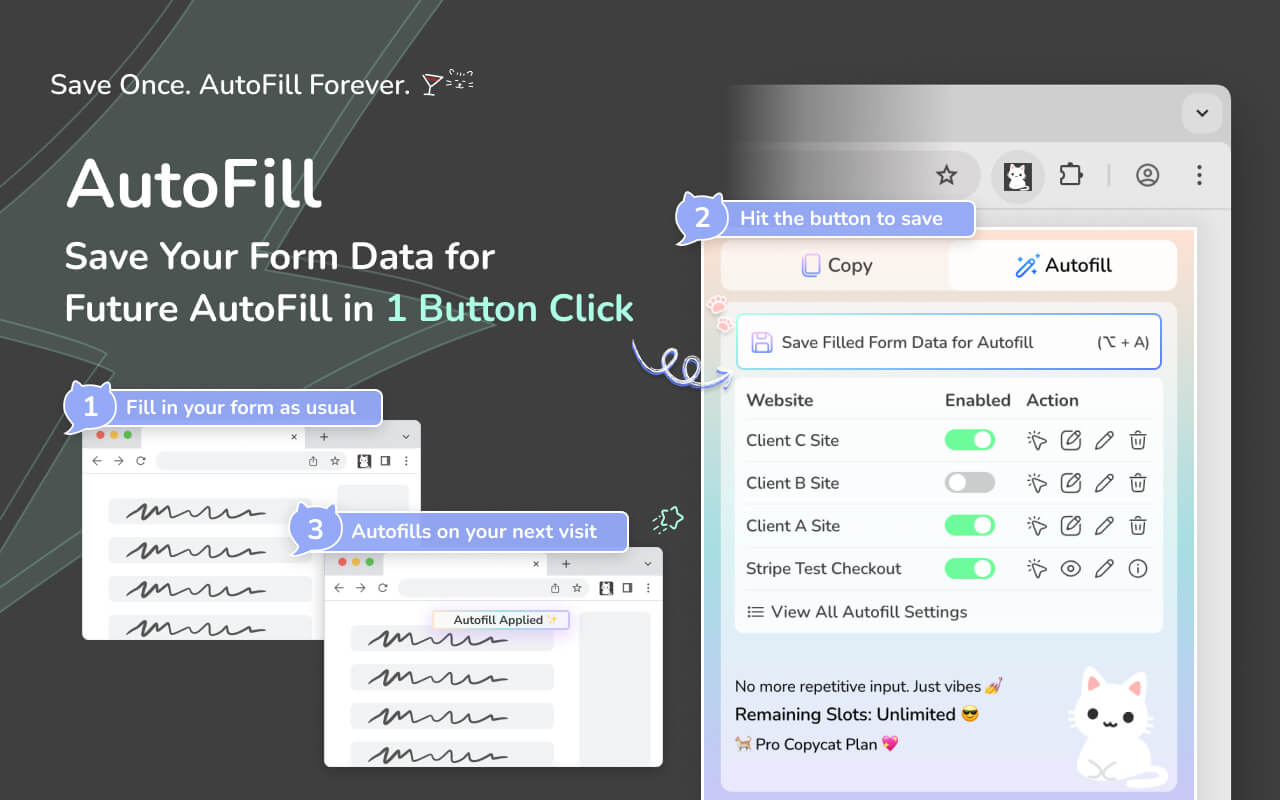
✅ Save Form Data for Autofill (Optional for repetitive use)
- If you frequently reuse the same data on the same site, you can save it and autofill automatically next time.
(Video: Save Form for Instant Autofill)
-
✅ Trigger Instant Form Filling on Current Page with Saved Autofill Setting
- You can even use the 'Apply Autofill' button (Arrow icon) in the extension popup to fill forms on current page with your selected saved form setting, which allows you to reuse saved form data on current page.
🧠 Real-World Use Cases
Reusing form data across websites is especially useful for:
- Admins managing repeated setup or onboarding forms
- Operations teams working with internal tools and dashboards
- Shop Owners working with e-commerce backends
- Recruiters submitting similar candidate details across platforms
- QA testers & developers filling test data in multiple environments
- Job seekers applying on different portals with overlapping fields
Anywhere repetitive form entry exists, reuse saves time.
⚠️ A Quick Note on Limitations
No tool can perfectly reuse form data in every scenario. Some websites:
- intentionally block scripted input
- heavily regenerate fields
- restrict access inside locked iframes
However, for the majority of standard and internal workflows, reusing form data with an intentional copy-and-paste approach plus form-autofill for repetitive form-filling is far more reliable than browser autofill alone.
🏁 Final Thoughts
Re-typing the same form data across different websites shouldn’t be part of modern work — yet it still is for many people.
The key shift is moving from: browser guessing to intentional, reusable workflows
Once you start treating form data as something you can copy, reuse, and control, repetitive form work becomes faster, cleaner, and far less frustrating. If you regularly find yourself filling similar forms on different sites, optimizing this workflow can save you hours every month — with fewer mistakes along the way.
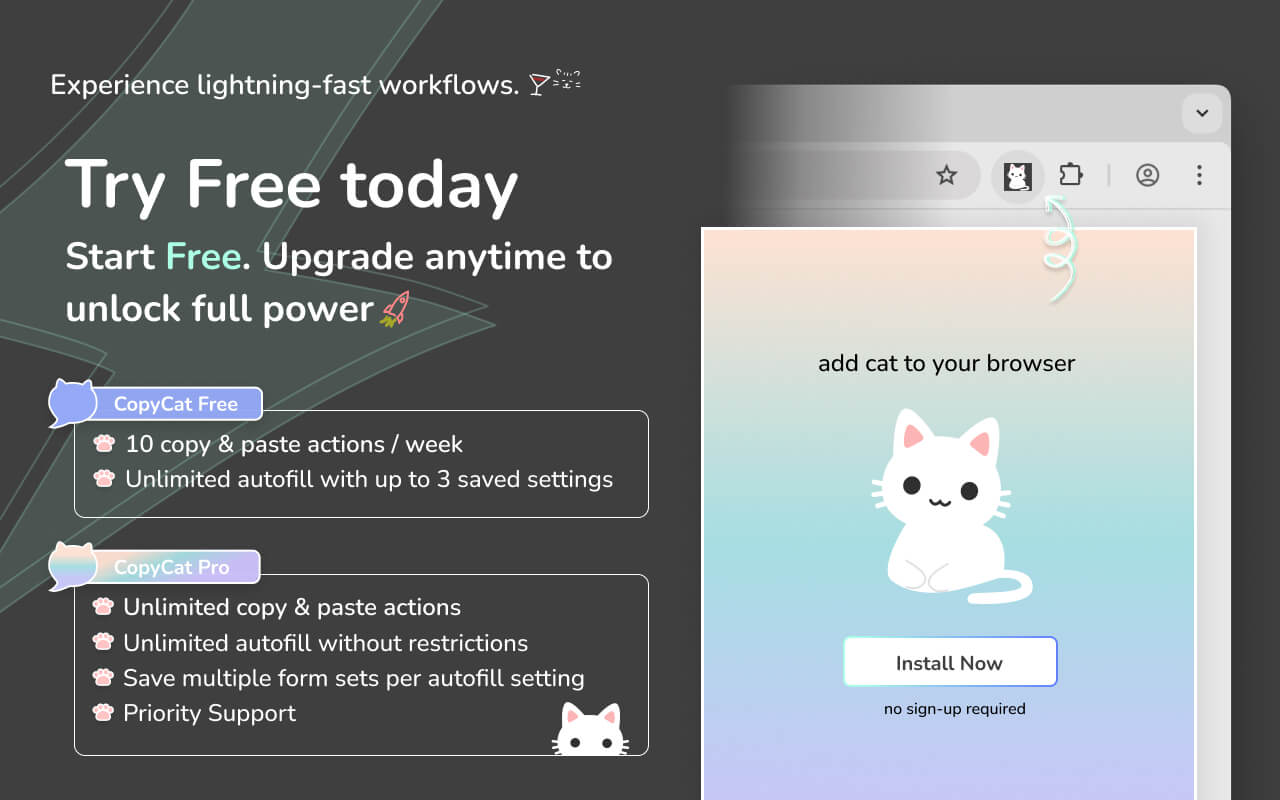
Try MultiField Copycat for free: Add to Chrome