
How to Autofill Google Forms with Chrome Extension
Published on March 5, 2026 - 2 min read
Manually filling out Google Forms repeatedly can be time-consuming and frustrating — especially when testing forms, submitting responses, or entering similar data over and over.
In this step-by-step guide, you’ll learn how to autofill Google Forms automatically using a Chrome extension called MultiField CopyCat. Whether you’re testing forms, submitting multiple responses, or saving time on repetitive data entry, this method will streamline your workflow instantly.
🐱 Install & Pin MultiField CopyCat
- Click this MultiField CopyCat Chrome Web Store Link
- Click the 'Add to Chrome' button to install MultiField CopyCat
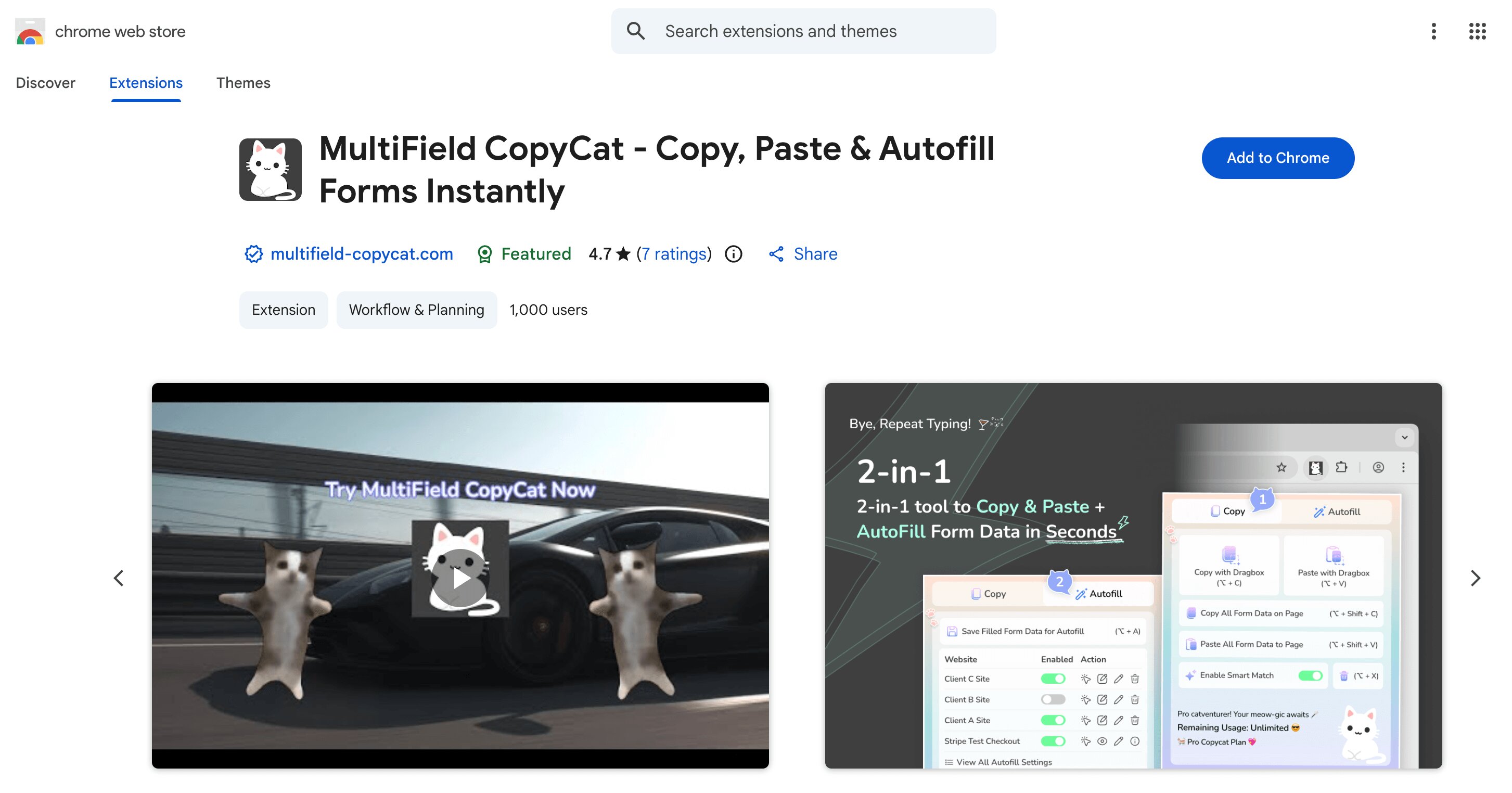
- Pin MultiField CopyCat to your browser toolbar for easier access
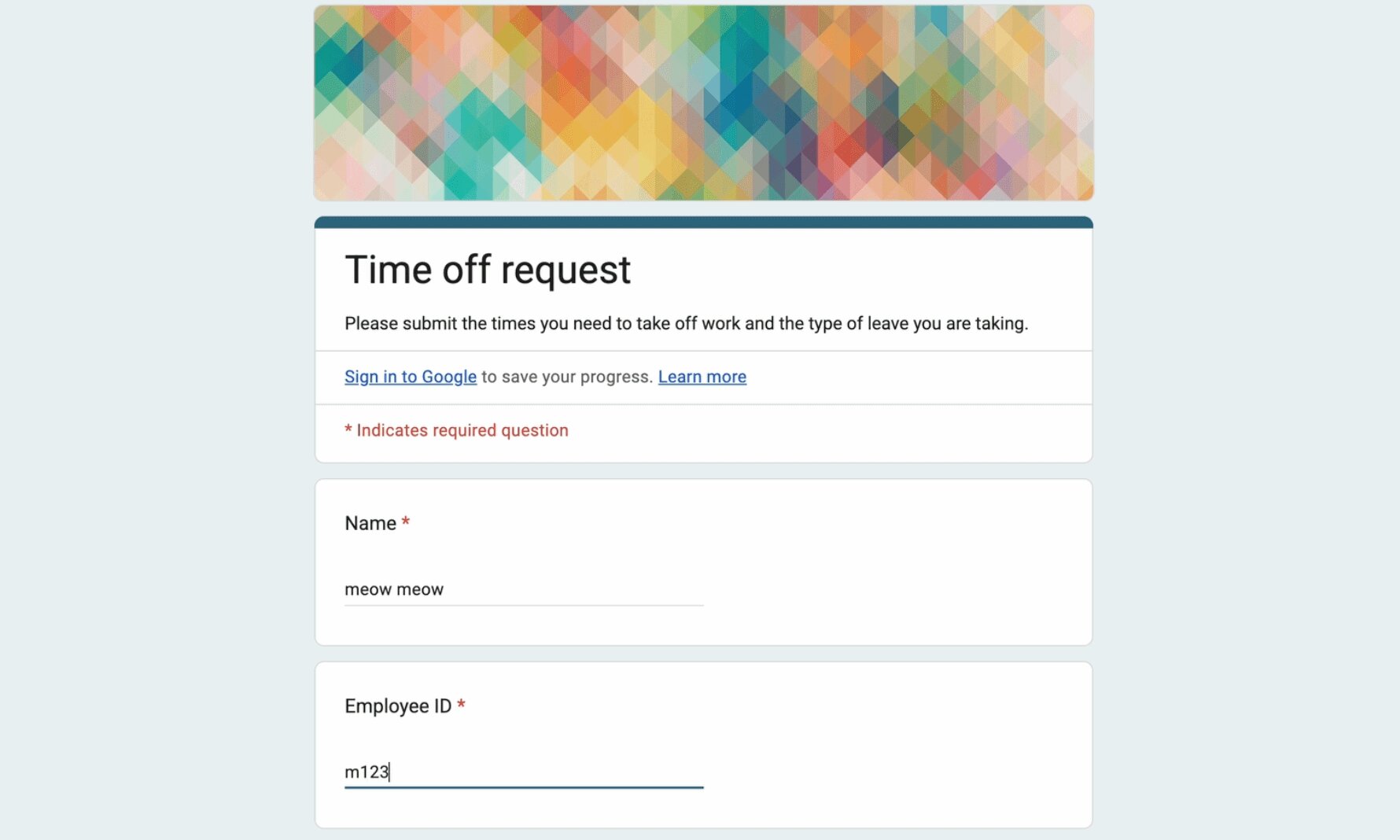
🖊️ Fill in Google Form as usual
Fill in the form data you wish to save as usual in Google Form
💾 Save Filled Google Form Data
- Click the extension icon in browser toolbar to open the extension popup
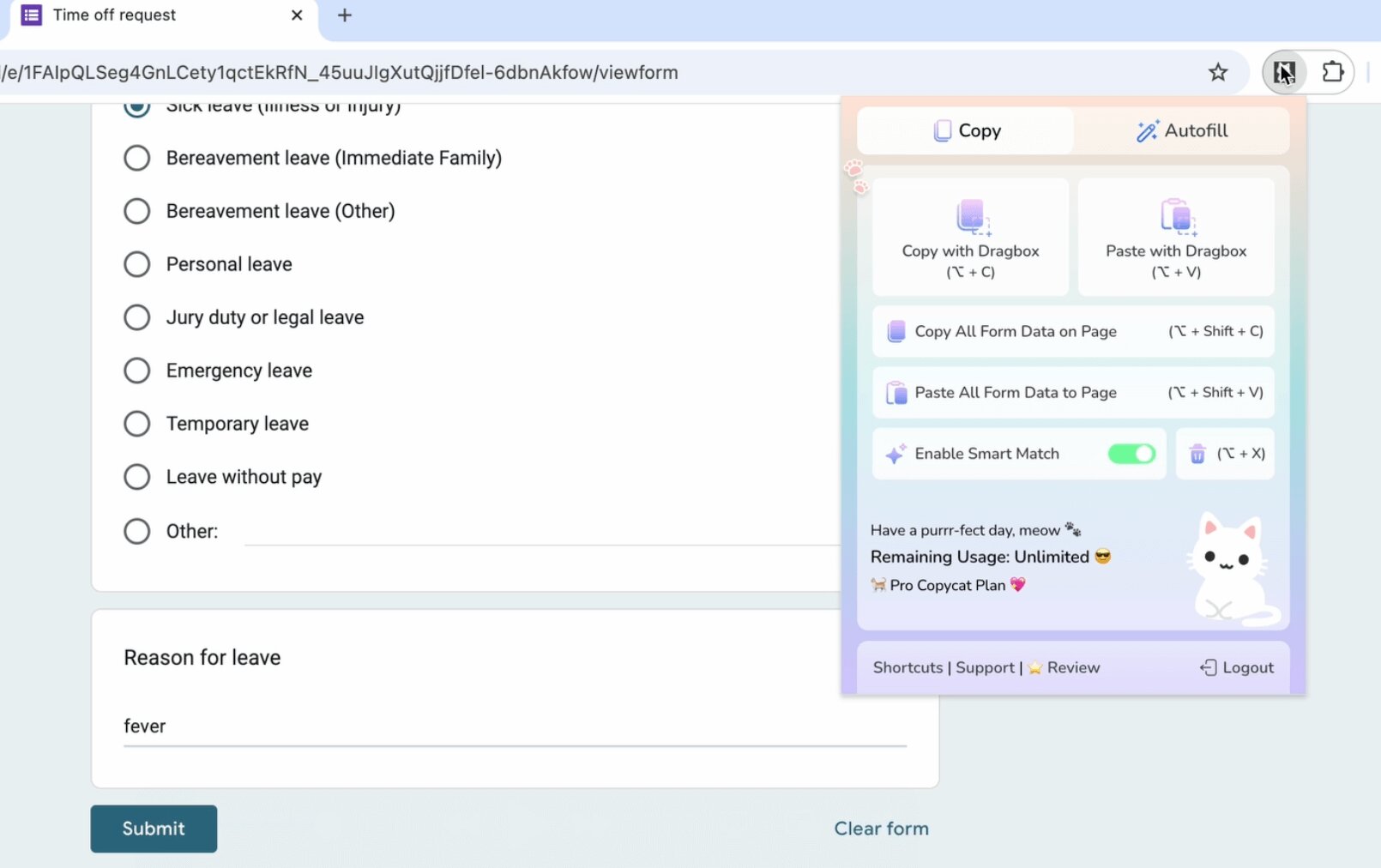
- Click the 'Autofill' topbar button to switch to 'Autofill' tab
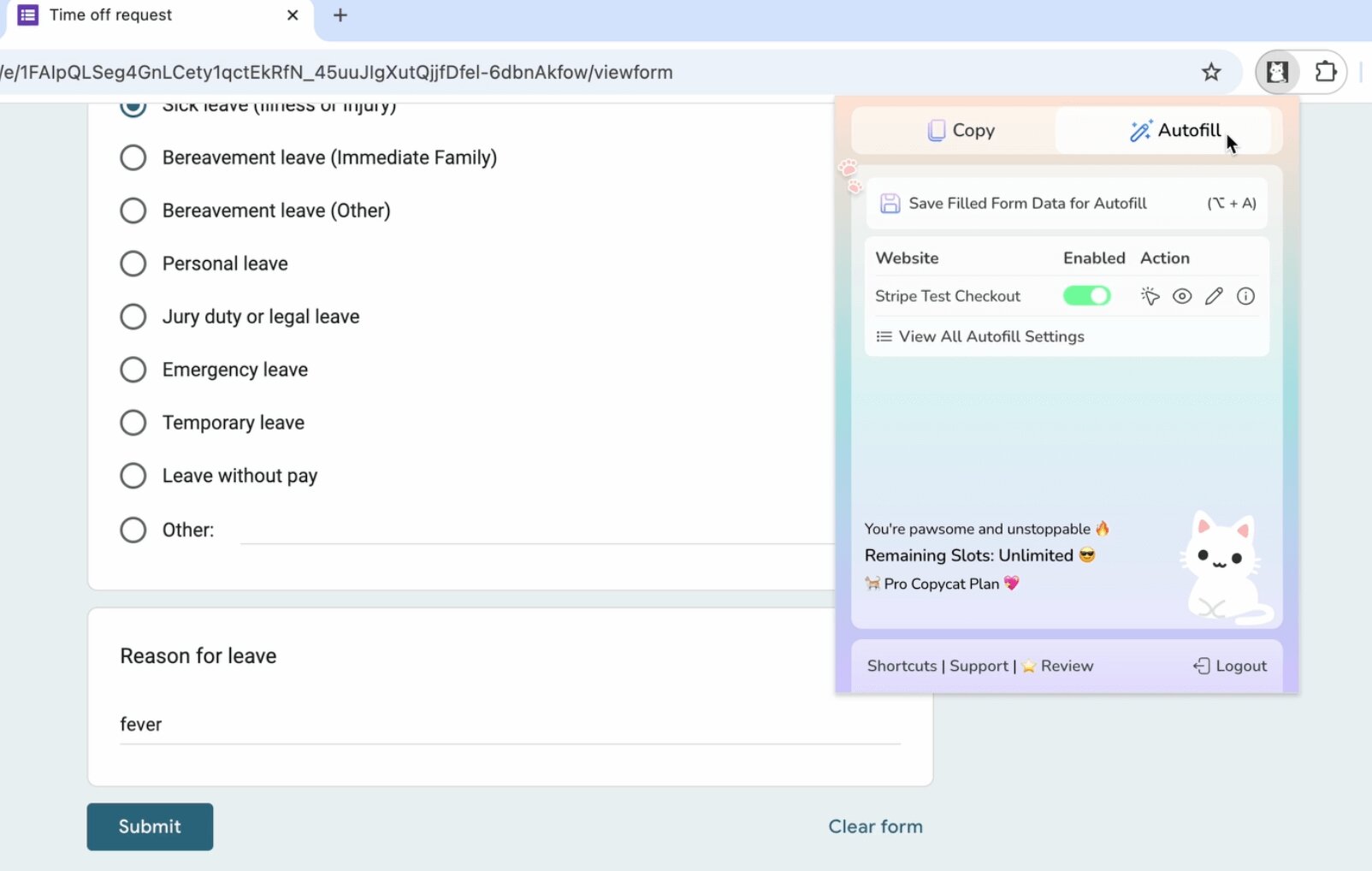
- Click the 'Save Filled Form Data for Autofill' button
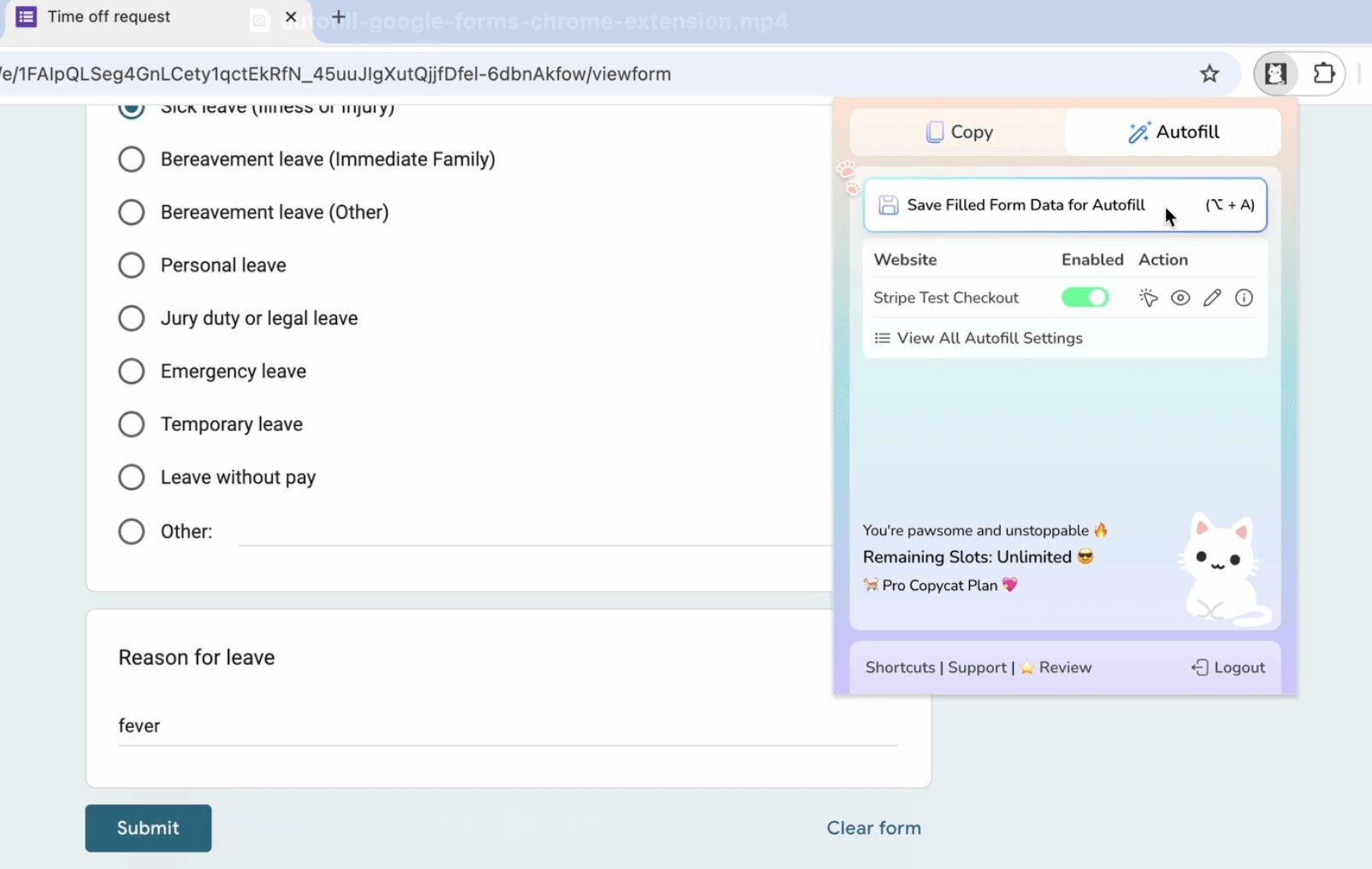
🪄 Autofill Google Form on Page Load
Now the Google form is autofilled instantly on page load.
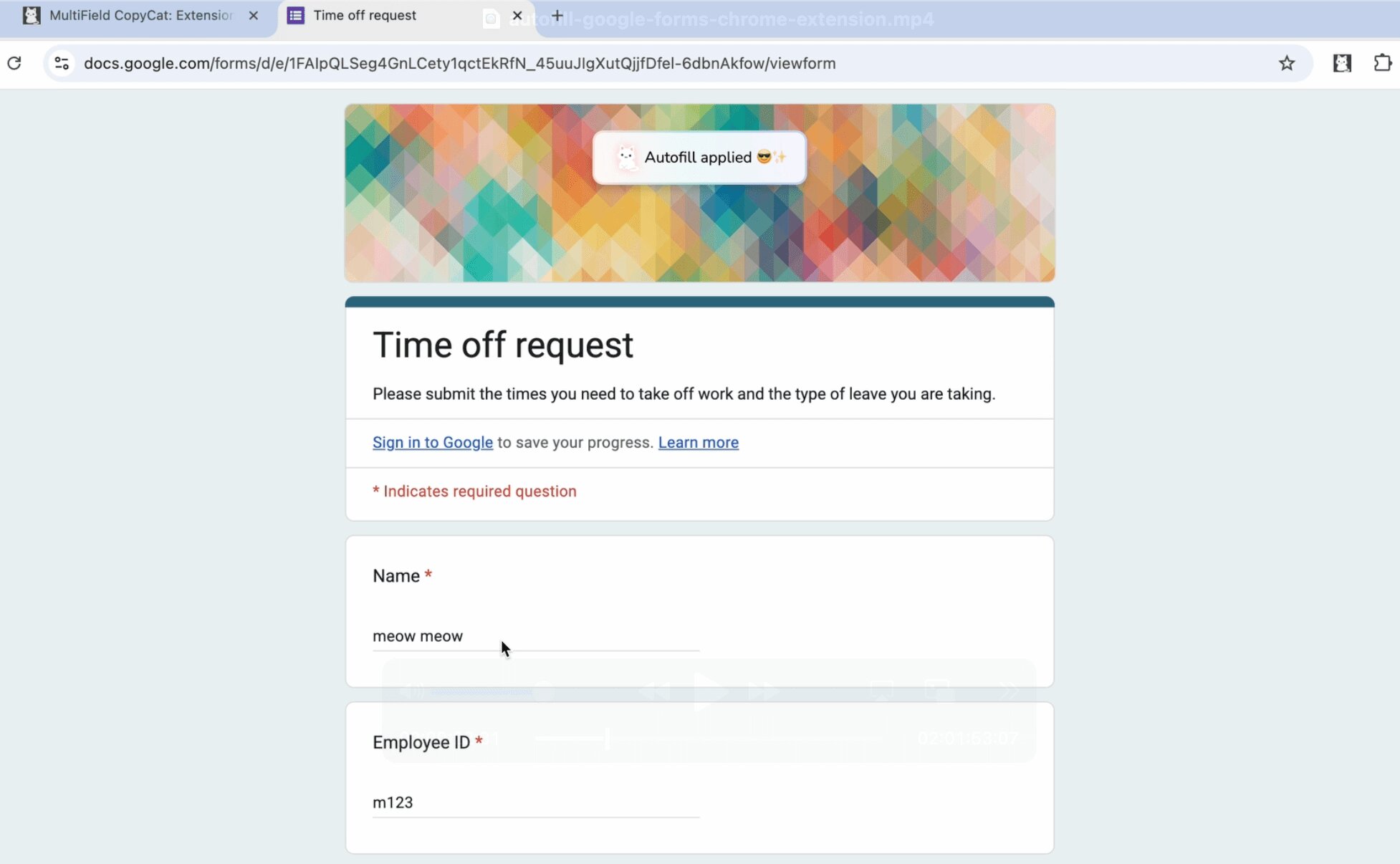
You can also toggle on/off on autofill on page load, update/delete saved form values and trigger autofill maunally as needed, which is demonstrated in the youtube video below 👇🏻
📷 Youtube Tutorial / Demo Video
Check out this youtube video and see how MultiField CopyCat instantly autofills Google Forms in action, plus other tips & tricks on using MultiField CopyCat for form autofill ✨
(Autofill Google Forms Instantly with MultiField CopyCat)
Ready to stop repetitive typing? Install MultiField CopyCat and automate your Google Forms workflow today:
👉🏻 Install MultiField CopyCat Now
Learn more on how to use other MultiField CopyCat core features:


